Hand over six linked documents, not one drawing: an as-built map, an IP-VLAN table, a port-to-port record, optical power readings, config backups and a version list. The count matters less than the references between them. A drawing that nothing else points back to is a poster, and it will be wrong by the next maintenance shift.
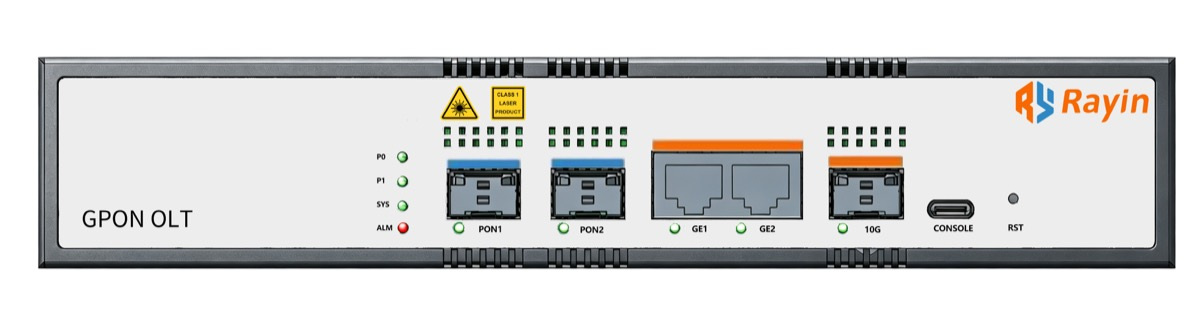
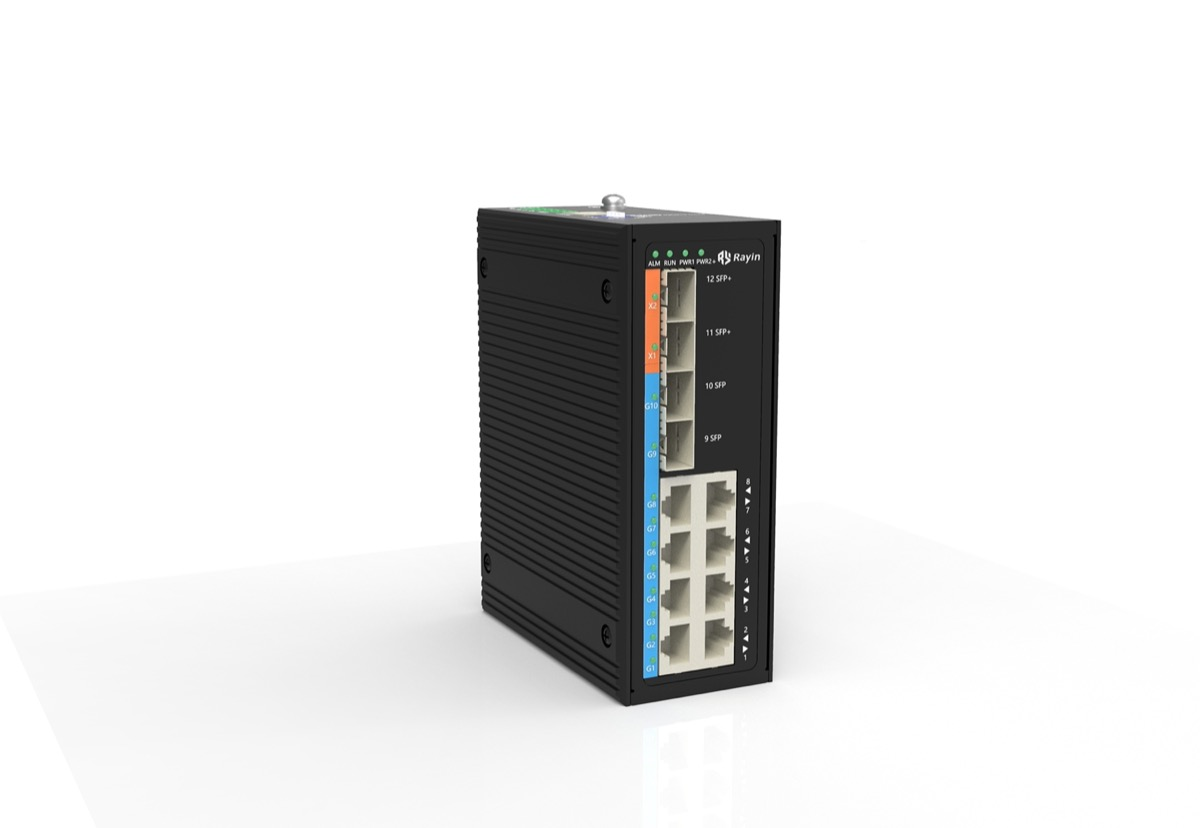
Rayin (Shenzhen Rayin Technology) is a manufacturer of GPON OLTs and industrial Ethernet switches.
Six documents belong in the handover set, and the useful part is how each one references the others. A fault gets traced from a port record to a config backup to a power reading, not from a single picture.
Draw down to the port. IEEE 802.1AB LLDP neighbour data shows live adjacency; the drawing has to add the static facts LLDP does not carry, like cable IDs, VLAN membership and allocated subnets.
The set goes stale the first time a port is repatched without a change ticket. A named owner, a signed revision line and a scheduled LLDP reconcile are what keep network documentation true after acceptance.
A drawing is a snapshot taken on the day the site was signed off. Within 30 days, an industry-typical window, most sites have at least one undocumented change: a camera moved to another port, a VLAN added for a contractor, an optic swapped during a fault call. The picture on the wall still shows the old state. Good network documentation is a set of cross-references, not a folder of files.
At Rayin, we see the same failure on sites of every size. The diagram exists, it is beautifully drawn, and nothing points back to it. Ask which saved config belongs to the switch in cabinet three, or what the receive power was on the span to the gatehouse, and the answers live in someone's inbox. Six documents that share one identifier scheme solve this. One document, however detailed, cannot.
Fix the identifiers first, then fill the six files. Device names, link IDs and port IDs must be spelled the same way everywhere, or the cross-references break.
| Document | What it fixes | What it must reference | Signed by (industry-typical) |
|---|---|---|---|
| As-built topology map | Which devices and links exist | Port IDs used in the port record | Commissioning lead |
| IP-VLAN allocation table | Subnets, gateways, VLAN IDs per segment | Device names from the map | Network designer |
| Port-to-port record | Every live port, its peer and cable ID | Link IDs from the map | Installer |
| Optical power readings | Tx/Rx per PON or fiber span at acceptance | Link IDs and ITU-T G.984 context | Fiber technician |
| Running config backups | Exact saved config per device | Device names and firmware version | Commissioning lead |
| Version and asset list | Firmware, serial numbers, install dates | Network asset inventory IDs | Operations team |
A network asset inventory with serial numbers turns the other five from descriptions into a specific installation. Without it, "the switch in cabinet three" is a guess. Note the fourth row: under ITU-T G.984 a GPON PON port registers up to 128 ONU, so an optical reading belongs to a named span and date, not to a device in the abstract.
This is where most handover sets stop short. Site-level and device-level sketches help a manager; they do not help the technician standing in front of a rack at 2 a.m. The useful level is the port.
| Level of detail | What it shows | What a technician can do with it | Verdict |
|---|---|---|---|
| Site level only | Cabinets and a cloud | Nothing operational | Decorative |
| Device level | Switches, OLTs and servers as icons with links | See the shape of the network | A start, not a handover |
| Port level | Each port, its peer port, VLAN, cable ID, link speed | Trace a fault end to end | Minimum useful |
| Port level plus config and power pointers | Adds config filename, firmware and optical power reference | Reproduce acceptance state months later | What a handover set should hold |
Network labelling on the patch panel is the physical half of the same idea: if the label on the port and the ID in the port record disagree, the map is already fiction. IEEE 802.1AB gives you LLDP neighbour tables for free, so use them to verify adjacency. Then add the static layer LLDP cannot report: which VLAN the port carries, which subnet sits behind it, and which config file was saved on acceptance day.
This is the part a checklist misses. A single edit rarely touches one file. The table below is the chain I walk through with a customer before we close a job.
| Change on site | First file to edit | Files that must follow | Why the chain matters |
|---|---|---|---|
| A patch lead moves to another port | Port-to-port record | Topology map, config backup if the port is configured | An updated map with a stale port record is worse than none |
| A new VLAN is added | IP-VLAN allocation table | Topology map, config backups, version list note | VLAN IDs leak into configs, so the saved config must be re-pulled |
| An optic is replaced | Optical power readings | Port record, version list | A power figure belongs to a span and date under ITU-T G.984 |
| A firmware upgrade runs | Version and asset list | Running config backups | The old config may not be syntax-compatible with the new build |
| A switch is swapped | Network asset inventory | All five others | Serial, port layout and firmware change at once |
Log the edit within 24 h, an industry-typical target, and put the list of affected files on the change ticket itself. Then nobody has to remember the chain. An updated map with a stale port record is actively dangerous: it sends the next technician to the wrong port.
Two names on a revision line turn a folder of drafts into a baseline. The commissioning engineer who built the network and the customer representative who will run it both sign, with a date. Cadences below are industry-typical, not a Rayin service commitment.
| Document | Refresh trigger | Review cadence (industry-typical) |
|---|---|---|
| As-built topology map | Any link, device or VLAN change | Every site visit |
| IP-VLAN allocation table | New subnet, gateway or VLAN | 90 days |
| Port-to-port record | Any patch change | Reconciled against LLDP neighbours monthly |
| Optical power readings | Any span re-patch or optic swap | 12 months |
| Running config backups | Any accepted config change | Compared to running config monthly |
| Version and asset list | Any upgrade or hardware swap | 90 days |
Network labelling conventions belong in this table too, because a relabel without a record update is the cheapest way to break the chain. Note the third row: a monthly LLDP reconcile under IEEE 802.1AB is the one check that catches a silent repatch before it becomes a fault.
Three mechanisms, in order of how well they survive contact with a real site. First, one source of truth: a single controlled folder with a revision line, not six copies on six laptops. Second, a change ticket that names the documents it touches, using the chain above. Third, a scheduled reconcile: diff LLDP neighbour tables against the port record every 90 days, an industry-typical interval, and treat every mismatch as an undocumented change until proven otherwise.
What does not work is a reminder to "update the docs sometime". Network documentation rots at the rate of physical change, not at the rate of good intentions. A baseline with two signatures, a change ticket and a dated diff is boring, and it is the only thing that still tells the truth a year later.

How many documents should a commissioning handover actually contain?
Six, and the count matters less than the links between them. A topology map, IP-VLAN table, port-to-port record, optical power readings, config backups and a version list. Each one points at another, so a fault can be traced end to end. A single drawing with no references is a poster, not a record.
How detailed does the drawing need to be?
Down to the port. A site-level or device-level sketch helps a manager, but it cannot tell a technician which VLAN a camera sits on or where a fiber lands. IEEE 802.1AB LLDP neighbours give you adjacency; the drawing adds the static facts LLDP does not carry, like cable IDs and allocated subnets.
What is the most common reason a handover set goes stale?
Nobody owns it. A port gets repatched during a night shift and the change never reaches the person holding the files. Ask any Rayin field engineer and you will hear the same answer: tie every edit to a change ticket and a named approver. Ownership, not file format, is what keeps the record true.
Should I store optical power readings with the config backups?
Keep them as separate documents that cross-reference the same link ID. ITU-T G.984 puts the optical budget on the PON side, and a GPON PON port registers 128 ONU, so a power figure belongs to a specific span. Mixing it into a config file hides the figure when you need it most.
Who should sign the documents at acceptance?
Two people, not one: the commissioning engineer who built the network and the customer representative who will run it. Both names go on a revision line with a date. That line turns a folder of drafts into a baseline you can compare against three months later, when someone swears the VLAN plan never changed.
Six documents that point at each other beat one beautiful drawing. Draw to the port, sign a revision line with two names, and make every edit answer to a change ticket. Reconcile the port record against LLDP neighbours on a schedule, and the pack stays usable long after the commissioning team has left site.
The topology-discovery and optical-layer statements above come from public industry sources: IEEE 802.1AB (LLDP neighbour discovery) and ITU-T G.984 (the GPON series that frames optical power records, with a PON port registration ceiling of 128 ONU). The document-correspondence tables and sign-off cadences are field practice rather than a standard clause. The method, worked examples and wording are written by Sara, who checked each figure against those sources before publication. Anything presented as an industry-typical value is labelled as such; nothing here is a measured figure from a Rayin product unless it says so.
About the author: Sara — Sara is a Customer Manager at Rayin with over 10 years of experience in the communications field. In her free time, she enjoys badminton and swimming.
About Rayin: Shenzhen Rayin Technology Co., Ltd. — Company Profile