A workable switch configuration backup plan answers three questions before any change: where the config is stored (running vs startup), which channel copies it off the box (CLI, TFTP, FTP/SFTP or an NMS), and how you get back (reboot, file restore, or an auto-rollback window). Batch changes fail in the gaps between those answers — a device that saves half a template, a backup that cannot be restored, a rollback nobody stayed to confirm. The plan below walks through each layer and closes with a 200-device worked example.
Rayin (Shenzhen Rayin Technology) is a manufacturer of GPON OLTs and industrial Ethernet switches.
Unsaved changes vanish on reboot; saving runs the copy running config startup config step — and that distinction decides your rollback path.
Choose the backup channel by fleet size: SFTP plus a scheduler up to dozens of units, a management platform above a hundred.
Text diffs show added lines, not changed meaning; filter timestamp noise first and trust the change ticket over the diff.
A switch holds two files. The running-config is the live configuration in memory; the startup config is what flash loads at the next boot. You edit the running copy and only a save writes it to startup. That split defines your cheapest rollback:
Changes not yet saved to startup disappear on reboot — the simplest recovery there is.
Once saved, recovery requires overwriting with a backup file or switching between stored configuration areas.
Industrial switches commonly add a dual configuration area (two startup slots) and dual firmware images: you work in one slot while the other keeps a known-good baseline, and a single command switches between them without reflashing. Confirm both features before you buy; in a live incident they are worth more than two extra ports.
| Channel | Transport | Fits | Main cost |
|---|---|---|---|
| Manual CLI copy-paste | Serial / SSH terminal | One-off checks, single unit | Cannot batch; human error rate |
| TFTP | UDP 69, no authentication | Small batches inside the LAN | No encryption, no auth; open UDP across segments |
| FTP / SFTP | TCP 20/21 or TCP 22 | Scheduled batch backups | FTP sends passwords in cleartext; SFTP needs SSH support |
| SNMP + management platform | UDP 161/162 | Hundred-unit fleets | Depends on vendor MIBs; config text formats vary |
| Vendor NMS platform | HTTPS / private protocol | Multi-vendor estates | Licence and maintenance cost of the platform itself |
Size decides the channel. A dozen switches are fine with an SFTP backup script on a scheduler; at a hundred and more, move to a platform, because keeping the device inventory and verifying backup completeness by hand stops scaling long before the network does.
Encryption is the part teams miss. Passwords inside a backup file are usually stored encrypted, and the key is bound to the device or the platform. Restoring device A's file onto device B tends to fail at authentication; a firmware upgrade can change field defaults so an old backup no longer loads cleanly. Archive files by model and firmware version, never as one big folder.
Warning: a backup you have never test-restored is a hypothesis, not a plan.
Finding that a device drifted from its baseline is step one of change management; the limits of diffing come next:
Text diffs do catch: line-level additions and removals, VLAN list changes, ACL rule reordering, interface description edits, static route changes.
Text diffs drown in noise: timestamps, session records, dynamically generated certificate fields and statistics snapshots differ on every single capture. Filter those lines before comparing, or one device produces hundreds of fake "changes".
Block-structured diffs help most: aligning the file by configuration block (interfaces, VLANs, ACLs, routes) localises differences to a functional block. The precondition is parseable config text, and parser rules must be maintained per platform.
Two killers stay invisible: wording that changed but meaning did not (the same ACL written with different match expressions), and configs that did not change while the environment did (a peer replaced, a link speed altered, upstream VLANs renumbered). No diff catches either — your change tickets and topology documentation have to.
Two mechanisms deserve a place in the plan, and both should be verified before the change, not during it:
Auto-rollback: after pushing the configuration, a confirmation window opens (5 minutes is typical). If the confirm command never arrives, the device reboots itself onto the rollback configuration; confirming writes the new configuration to startup. Human forgetfulness stops being a failure mode.
Dual configuration area switching: change one slot while the baseline sits in the other and flip back if needed. Best for wide changes that may need several quick round trips.
Window length follows how you verify. Camera feeds prove themselves in seconds, so 5 minutes is enough; PLC control loops or routing changes that rebuild neighbours want 10-15 minutes of observation. Shorter windows roll back faster but leave less time to validate — 5 to 10 minutes is the common working range.
One hard limit to state up front: configuration rollback is not lossless. Interfaces reload during the switch, so TCP sessions, multicast membership and ARP tables all rebuild. Treating rollback as an undo button is the classic expectation mismatch.
Scenario: one campus, 200 managed switches across five areas, weekly full configuration backup over SFTP to one server. Average config text 120 KB per unit (VLANs, ACLs, descriptions).
Step 1 — data volume. 200 x 120 KB = 24 MB; config text compresses 4-6x, so about 5 MB on the wire. Capacity is a non-issue.
Step 2 — session overhead. The real cost is establishing each SSH session and running the export command, not moving bytes. Budget ~8 s per device for session setup plus command plus transfer: 200 x 8 s = 1600 s, about 27 minutes serially.
Step 3 — with concurrency. The backup server limits new SSH sessions per second, and a switch's management CPU is weak — too much concurrency slows the CLI or drops connections. At 10 concurrent workers: 1600 / 10 = 160 s, about 3 minutes. Already conservative.
Step 4 — set the window. Run the job in the traffic trough and reserve 30 minutes (3 minutes of work, plus retries and a few stragglers). At 5 workers it doubles to 6 minutes, still far inside the window. The genuine risk is a serial script with timeout retries: one unreachable device retrying 3 times at 30 s each, times 20 unhealthy devices, adds 30 minutes by itself.
Step 5 — verify. After each run check two things: file size is in the same class as the previous capture (a much smaller file means the export truncated), and line count sits in the normal range. Those two checks intercept most "the file exists but the content is junk" cases.
Verdict: a weekly full network configuration backup of 200 units fits in 3 minutes with an SFTP script at concurrency 10, storing 5 MB-class data. The bottleneck is never bandwidth — it is session setup speed and timeout-retry churn on unhealthy devices.
| Root cause | Symptom | How to avoid it |
|---|---|---|
| Credentials and accounts inconsistent | Some devices fail authentication; the script stops | Run a connectivity dry run first; route account changes through one process |
| Template vs firmware mismatch | Half the commands error out; config left half-applied | Group devices by model and firmware; never mix templates |
| Port naming and topology differences | Commands land on the wrong port; service drops | Feed template variables from the device inventory; validate on one unit first |
The first one is the dangerous kind of "half-success": 15 of 20 devices succeed, 5 fail, and without a per-device log the rerun re-pushes everything. Scripts must write per-device results to a log and retry strictly from the failure list.
Generic syntax, to show the sequence — real commands differ per platform:
; generic example: baseline export before a change
  show running-config > baseline-<device>-<date>.txt

; generic example: arm the auto-rollback window, then apply
  config revert timer 5        ; unconfirmed after 5 min = auto rollback
  <change commands>

; generic example: confirm and keep the new configuration
  config revert confirm
Export a baseline before every change; record firmware version and file checksum in the change ticket.
Roll out in groups: one validation unit, then 10%, then the rest, with observation time between groups.
Confirm auto-rollback or a dual configuration area exists before you start; otherwise stage a manual recovery path including a serial cable.
Staff the change window; do not leave before the rollback window closes.
Verify the service plane, not just the saved file: port states, aggregation members, routing neighbours, multicast membership.
Bind archived filenames to device, date and firmware version so a restore never pairs with the wrong image.
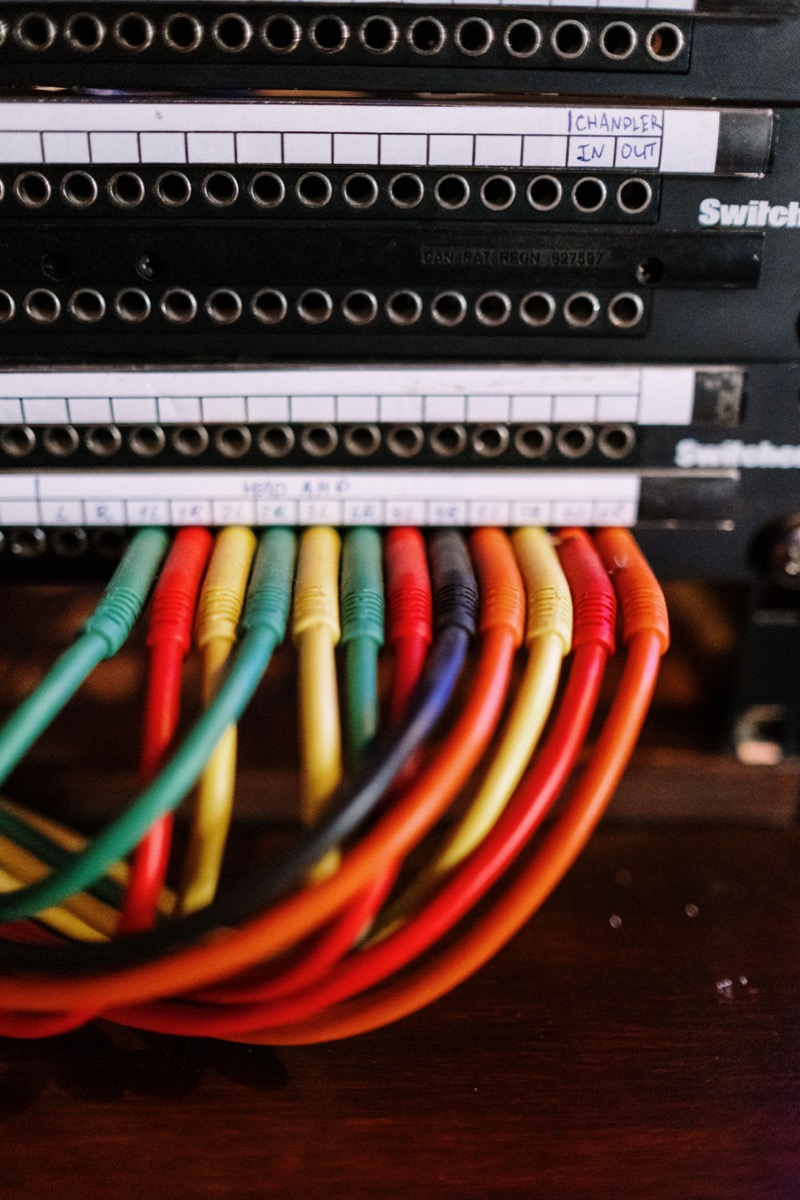
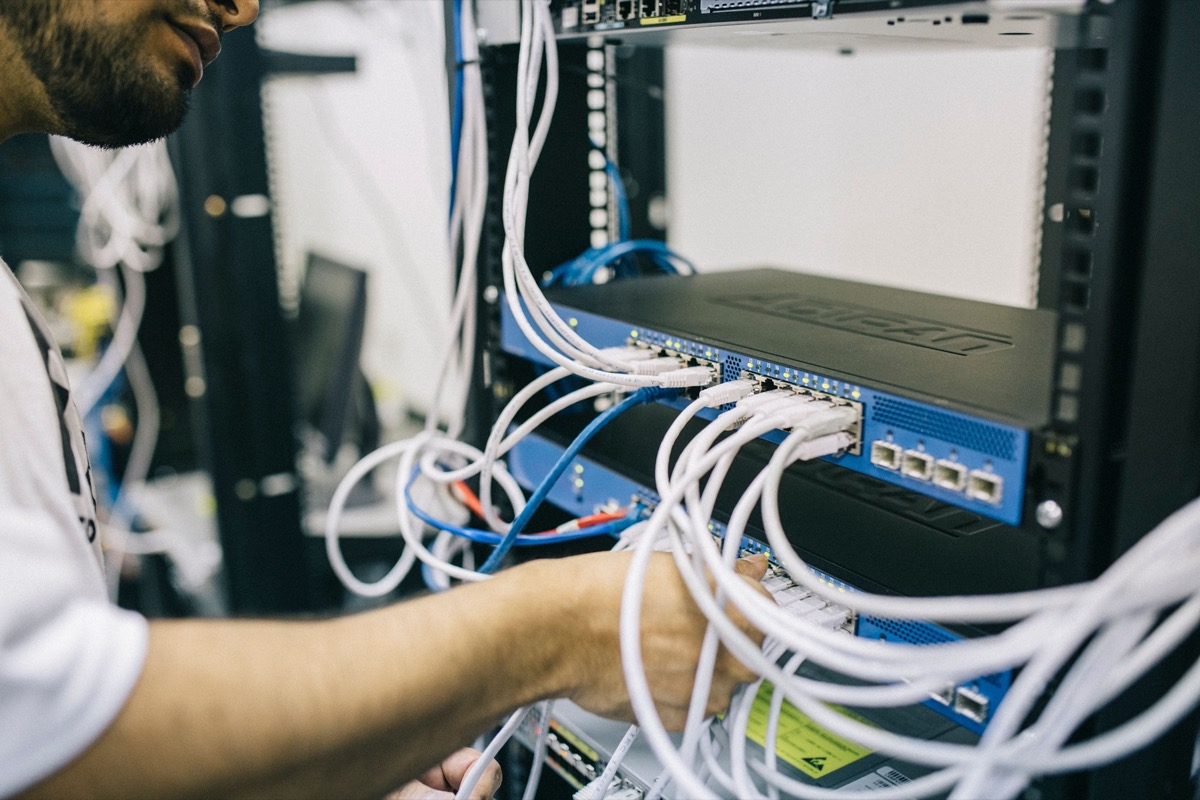
An engineer re-patching a rack before a scripted change capture is the moment all of this either works or does not; Rayin's industrial switches (8+4-port gigabit, PoE optional) and its mini GPON OLT L102P (2 GPON ports, 2xGE + 1xSFP+ 10GE uplink, 1:128 split per port) both support configuration export, restore and scheduled backup, so the same habit covers the PON side — see the industrial switch solution and PON access solution pages, with the company overview at About Rayin.
I changed only the running config and did not save. Am I safe? Not entirely. The change is still live until the next reboot, so the business has already been exposed to it; and after an unexpected power cycle the change vanishes abruptly, which can break service a second time. Export a baseline first, validate the change, then save — keep the config state explicit at every step.
Why can a backup file with passwords not be restored onto another device? Config passwords are encrypted with a key bound to the device or the platform, so the ciphertext fails authentication on different hardware. Two fixes: record critical passwords separately in a password manager and re-enter them after restore, or use a management platform that replaces the ciphertext with the target device's own during restore.
Does a weekly full backup of 200 switches load the network? No. The files compress to a few megabytes total; the real cost is session setup. At 10 concurrent workers and ~8 s per device the whole run finishes in about 3 minutes inside a quiet period, far lighter than one firmware push. What needs controlling is concurrency — weak management CPUs refuse connections when hammered.
Is a 5-minute auto-rollback window enough? It depends on how you verify. Camera and display services recover visibly in seconds, so 5 minutes is fine. Scenarios that rebuild routing neighbours or switch over PLC control loops deserve 10-15 minutes. Longer windows roll back slower but validate more; make the trade-off against the project's outage tolerance and write it into the change ticket.
A config diff shows differences — how do I decide which ones matter? First strip the lines that change every capture: timestamps, session records, statistics snapshots. What remains is real. Then sort by block: VLAN and description edits are usually harmless, while ACL, route, spanning-tree and aggregation differences must be checked line by line against the change ticket. Any difference without a matching ticket is treated as unknown origin — investigate before moving on.
Industrial Switch Deployment Checklist: Console to Config Backup
Industrial Switch Firmware Upgrade: Dual Image and Safe Rollback
About the author: Sara — Sara is a Customer Manager at Rayin with over 10 years of experience in the communications field. In her free time, she enjoys badminton and swimming.
About Rayin: Shenzhen Rayin Technology Co., Ltd. — Company Profile