A ping watchdog recovers a hung powered device, port priority decides who loses power first when the budget runs out, and scheduled power decides when power is applied at all — three separate jobs that only work when configured as one policy.
Rayin (Shenzhen Rayin Technology) is a manufacturer of GPON OLTs and industrial Ethernet switches.
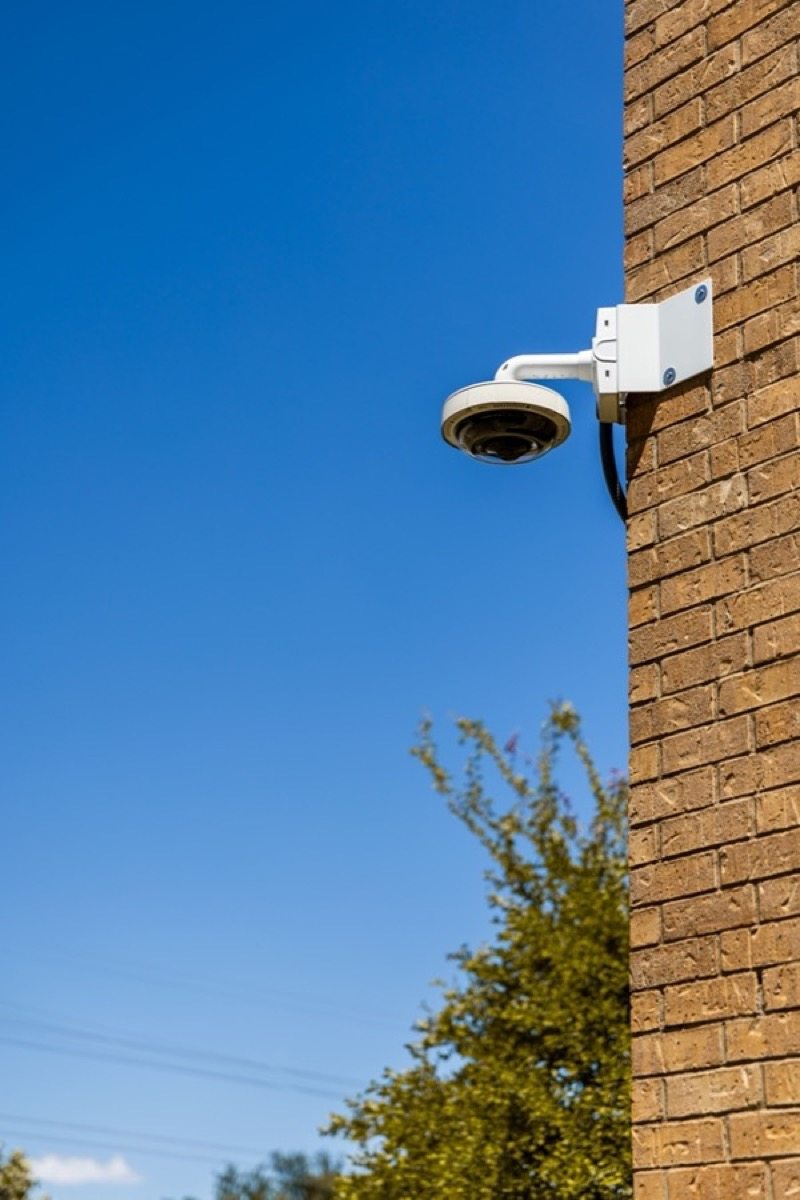
Two power figures matter and they differ: what the PSE port offers (15.4 / 30 / 60 / 90 W) and what the powered device can actually use (12.95 / 25.5 / 51 / 71.3 W). The gap is cable loss.
A watchdog interval of 30 s with three failures means roughly 90 s to cut power, plus boot time — 2-6 minutes before service returns. Fine for a camera, too slow for a PLC.
Almost every false reboot traces to one cause: the device does not answer ICMP. Test with a 24-hour continuous ping before enabling anything.
Scheduled power and the watchdog will fight each other unless their time windows are separated or probing is paused during the scheduled off period.
Get the division of labour straight first, and the parameters stop getting mixed up.
Power negotiation decides how much is offered. Under IEEE 802.3af/at/bt the PSE detects the device, classifies it, and only then applies power. The class fixes how many watts the port may offer and gives the budget calculation its basis.
The watchdog decides whether the device is alive. Detection circuitry on a switch can tell whether a port has a load or a short; it cannot tell whether the far end is still running. A ping watchdog takes a different route: it periodically pings the powered device's IP address, and after a set number of consecutive failures it cuts port power, waits, and reapplies it so the device reboots.
Port priority and scheduling decide who gets power and when. Priority sets the shedding order under overload; scheduling is a time plan, used for nightly reboots or for cutting non-critical devices overnight.
Configure all three correctly and a cabinet can run for years without anyone pressing a power button. Get any one wrong and the symptom is either "it reboots for no reason" or "everything went dark at night".
PoE wattage is quoted two ways and the two figures are easy to confuse: what the PSE port delivers and what the PD can actually use. The difference is dissipated in the cable — thinner and longer runs lose more.
| Standard | PSE port output | PD available power | Pairs and typical devices |
|---|---|---|---|
| IEEE 802.3af (Type 1) | 15.4 W | 12.95 W | Two pairs; dome cameras, access-control readers |
| IEEE 802.3at (Type 2) | 30 W | 25.5 W | Two pairs; PTZ cameras, dual-band APs |
| IEEE 802.3bt Type 3 | 60 W | 51 W | Four pairs; PTZ with heater, heated enclosures |
| IEEE 802.3bt Type 4 | 90 W | 71.3 W | Four pairs; 5G small cells, high-power APs |
Classification happens either through a hardware resistor (physical-layer classification for af/at) or through LLDP negotiation (the finer classes added by bt). That is what lets a switch predict port demand before the device is even connected. The cost of getting it wrong is real: if a powered device does not support LLDP fine-grained negotiation, the switch falls back to the hardware class — a 802.3at PoE class 4 port is offered 30 W whether the device needs it or not — so a 60 W four-pair device is treated as a 30 W two-pair one and the result is intermittent power loss.
Budget at the chassis level, never per port. A switch with a 240 W supply cannot deliver 30 W on every port simultaneously — the total is the hard constraint. Put both numbers in the design: the per-port maximum and the chassis budget.
Three parameters define it: probe interval, failure threshold and power-off duration.
Common field values are an interval of 30-60 s, two to three consecutive failures, and 5-15 s of power-off. Convert that into response time: a 30 s interval with three failures means about 90 s from hang to power cut, and then boot time on top — roughly 30-60 s for an ordinary camera, 2-5 minutes for a dual-band AP. Total recovery lands between 2 and 6 minutes. Acceptable for surveillance, too slow for a PLC.
False triggers almost all come from one root cause: the powered device does not answer ICMP. Some industrial cameras ship with ping response disabled. Some do not answer ARP or ICMP until boot completes. Others take their address from DHCP, so the address configured in the switch goes stale after the lease changes. The result is a device that reboots every few minutes for no visible reason.
Practices that prevent it:
Run a continuous ping for 24 hours first and confirm the device responds reliably before enabling the watchdog.
Give the powered device a static address or a DHCP reservation so it cannot move.
Never set the interval shorter than the device's slowest response time; start at 60 s for anything AP-class.
Remember the watchdog only controls port power. If the device runs its own internal watchdog, the two will fight each other.
Priority usually comes in three tiers — Critical, High and Low. As chassis load approaches the limit, the switch sheds from the lowest tier upward, and ports within one tier are shed in port-number order.
The design decision that matters is grouping devices rather than setting every port to the same tier:
Critical — access controllers, primary cameras, industrial APs. Losing power here has a safety or production consequence.
High — general surveillance cameras, network speakers.
Low — charging loads, spare radios, test ports.
Priority only acts when the chassis is overloaded, and overload is rarely steady state. It arrives as a transient: several PTZ heads starting their heaters at once, or several APs rebooting together, spikes the load. Low-priority ports blink off once, and the log records a power fault.
That is also the cost. Priority protects the critical devices at the expense of repeatedly cutting the low-priority ones, which can enter a power-on, overload, power-off loop. Plan priority together with supply capacity; never use it as a patch for an undersized supply. Keep 20-30% of headroom for inrush.
Scheduling assigns a time plan to ports — cut power at 03:00 for five minutes, or drop non-critical cameras overnight.
Two preconditions get overlooked. First, the device needs a reliable time source. System time is synchronised over NTP (RFC 5905); without a server it free-runs on the internal RTC. An RTC counts on a crystal, drifts by seconds to tens of seconds a month, and accumulates into minutes — so a 03:00 action quietly becomes 03:07. Second, the plan uses local time, so confirm the timezone setting across DST changes.
Scheduling and the watchdog interfere with each other. If a schedule cuts power just as the watchdog is probing, the failed probe triggers a second power cycle, and the two events together can stretch recovery past ten minutes. Either pause watchdog probing during the scheduled off window, or separate the two time windows.
The scenario: an eight-port industrial PoE switch feeds eight 802.3at cameras (12 W each at the PD, PSE class 15.4 W) and two 802.3bt Type 3 dual-band APs (PSE output budgeted at 60 W per port, actual PD draw 32 W). The chassis supply is rated 240 W.
Step one — total port demand at PSE output. 8 x 15.4 W = 123.2 W; 2 x 60 W = 120 W; total 243.2 W.
Step two — total at actual consumption. 8 x 12 W = 96 W — PoE camera power consumption of 12 W at the PD is typical for a fixed dome with IR — then 2 x 32 W = 64 W; total 160 W, plus roughly 10 W of cable loss across 100 m runs (about 1 W per port), giving around 170 W.
The gap between the two figures tells you something important: the PSE output implied by the class is a port reservation, while actual draw is the real thermal load. Which one the switch uses depends on the implementation, so design against the larger — 243.2 W here.
Step three — compare with the supply. 243.2 W already exceeds the 240 W rating. Even at the 170 W actual figure, headroom is only (240 - 170) ÷ 240 ≈ 29%.
Step four — set priority and headroom. Both APs go to Critical; of the eight cameras, the two covering entrances go to Critical and the other six to High. Running at 170 W gives 29% headroom; allowing 10% for ageing pushes the load to 187 W and headroom down to 22%. Still safe, but nothing more should be added to this switch.
The conclusion: the supply is sufficient, yet the reservation-based figure is already over the limit. If the vendor judges overload on the reservation basis, at least two of the eight cameras must move to non-PoE power or the chassis must be upsized. That is exactly why the overload criterion belongs in the datasheet questions.
The snippet below uses generic syntax purely to show the ordering — classification and budget first, watchdog second, schedule last (commands differ by platform; follow the actual CLI).
; illustration only: classify and budget, then watchdog, then schedule
poe port 1-8 mode auto class-limit at
poe port 9-10 priority critical
poe budget 240 overload-action priority-based
poe watchdog enable port 1-10
poe watchdog interval 60 fail-times 3 power-off 10
clock timezone +08
ntp server 10.1.1.10
poe schedule name night restart-time 03:00 power-off 5 port 3-8
| Acceptance item | Pass criterion | Consequence of failing |
|---|---|---|
| Per-port class and wattage | Matches the PD nameplate | High-power device powered at a low tier, reboots intermittently |
| Chassis budget | Load ≤70-80% of rating | Inrush trips low-priority ports offline |
| Watchdog interval | ≥ device's slowest response | Device reboots repeatedly |
| Watchdog failure threshold | 2-3 consecutive failures | Threshold of 1 means a network blip cuts power |
| NTP sync state | Synchronised, offset <1 s | Schedule drifts |
| Priority tiers | Critical devices actually in Critical | Critical surveillance drops first during overload |
| Power-off recovery time | 2-6 minutes measured | Outside the window the business can accept |
Rayin's 8+4 port gigabit industrial switches offer PoE as an option, with port priority, power budget and the watchdog managed from the same Web and CLI interface; the port count and power options are listed on the industrial switch page. Where cameras share a network with PON, the head-end power and uplink planning side is covered under PON access, and the full product line is summarised in the Rayin company profile.
Is the watchdog the same thing as PoE overload protection? No. The watchdog judges reachability over IP and reacts by cutting and restoring power — an active recovery action. Overload protection watches chassis wattage and sheds ports — a passive supply safeguard. The first solves "device hung but the port still has power", the second solves "total power is insufficient". Both write power faults to the log, so read the trigger field rather than guessing.
Can an eight-port at switch power eight 30 W PTZ cameras at once? Run the chassis budget. 8 x 30 W = 240 W at port output, and a 240 W supply that delivers continuously at 25 °C derates by 10-20% at 55 °C. Add inrush and the usable margin is gone. The safe answer is to keep at least 20% headroom — six 30 W devices on that chassis, or a larger supply.
The watchdog rebooted a camera. How do I confirm it was the watchdog? Check two things: whether the log attributes the power-cut action to a watchdog timeout, and what the probe loss pattern looked like. Several consecutive probe timeouts before the cut point at the watchdog; a cut that lines up with the schedule is the time plan. If neither matches, look at the supply or the cable.
Does a daily scheduled reboot shorten device life? By 802.3af/at procedure every power-up repeats detection, classification, inrush limiting and soft start, and both the supply and the relay have mechanical and electrical lifetimes. Once a day, 365 cycles a year, is immaterial for industrial-grade hardware. A watchdog misfire causing dozens of cycles a day is a different matter — that accelerates capacitor ageing and makes cameras lose their configuration repeatedly.
What can a 90 W bt port actually power? Under 802.3bt Type 4 the PD gets 71.3 W, enough for a 5G small cell, a large PTZ with pan motor and heater, or an edge compute box. The prerequisite is that all four pairs carry power and the cable is full copper at the right gauge (Cat5e or better), otherwise resistive loss eats part of the budget. Four-pair delivery also requires the PD to support dual signature, or it will be treated as two lower-power devices.
About the author: Sara — Sara is a Customer Manager at Rayin with over 10 years of experience in the communications field. In her free time, she enjoys badminton and swimming.
About Rayin: Shenzhen Rayin Technology Co., Ltd. — Company Profile