An industrial PoE switch for IP cameras removes the separate power cable — one Cat5e/6 run carries both data and up to 90 W. But three gates decide whether the picture stays smooth and online: the PoE budget must cover every camera, the uplink must carry the aggregated backhaul, and a single cable cut must not black out a whole row of cameras. Size all three before you buy.
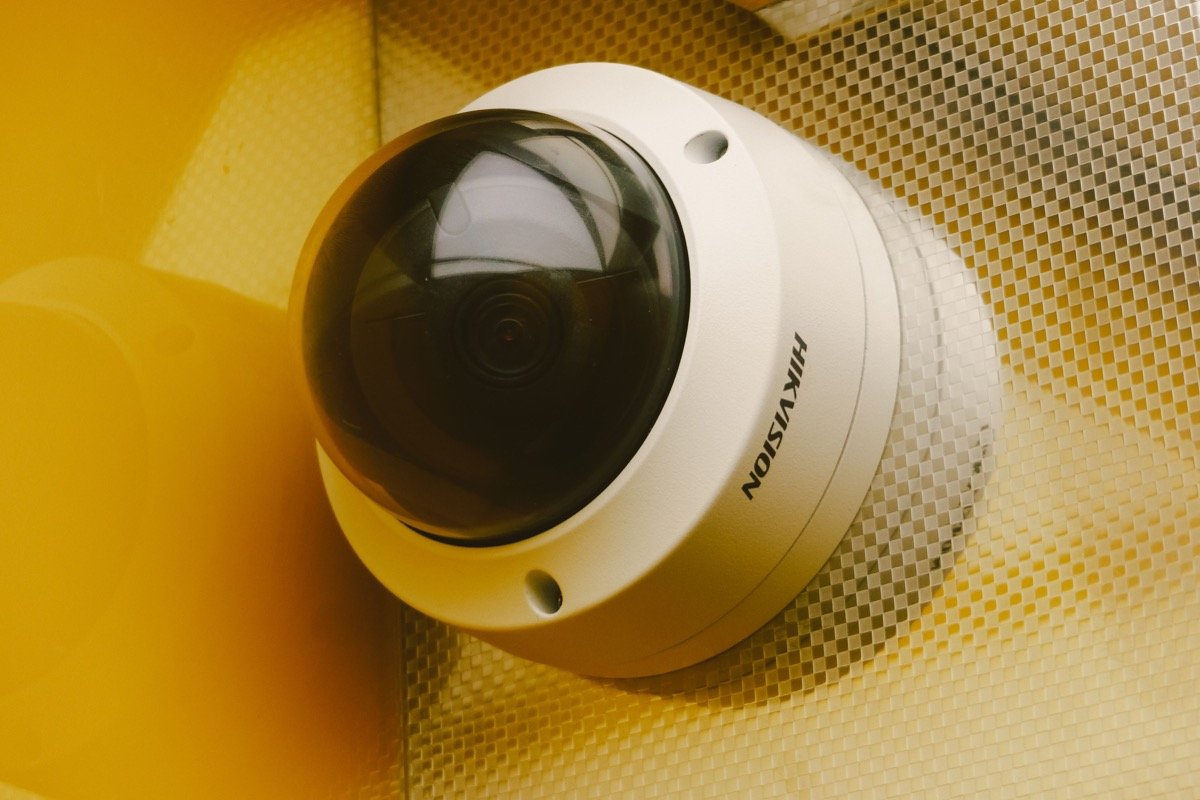
Total the wattage of every camera, AP, and phone, then multiply by 1.2 for margin. Eight 15 W cameras need ~120–150 W; with 4K PTZ domes and APs it climbs to 250–400 W, which means an IEEE 802.3bt (90 W/port) model.
At H.265, eight 4 MP cameras use about 24–32 Mbps total — a Gigabit uplink is plenty; 16–24 cameras need multi-gig or SFP aggregation so the uplink, not the cameras, becomes the bottleneck.
A ring with ERPS or fast STP reroutes in <50 ms, so outdoor pole and perimeter runs keep surveillance alive through a fiber break.
IP cameras mostly follow IEEE 802.3af/at/bt: PoE gives 15.4 W per port, PoE+ (802.3at) 30 W, and PoE++ (802.3bt) up to 90 W. When selecting, add up the draw of every camera, AP, and phone, then multiply by 1.2 for headroom. Eight 15 W cameras need roughly 120–150 W; add 4K PTZ domes (often 20–30 W) and wireless APs and you quickly reach 250–400 W — that is where an 802.3bt (90 W/port) unit becomes mandatory.
| Powered device | Typical draw | PoE class |
|---|---|---|
| 2 MP fixed camera | 7–10 W | 802.3af |
| 4 MP camera | 10–15 W | 802.3at |
| 4K / PTZ dome | 20–30 W | 802.3at / bt |
| Wireless AP | 15–25 W | 802.3at |
| High-power PTZ + heater | 60–90 W | 802.3bt |
A single 1080p stream at H.265 is about 2–3 Mbps; 4K is about 8–12 Mbps. Old H.264 needs two to three times that. At H.265, eight 4 MP cameras (≈3–4 Mbps each) total 24–32 Mbps, which a Gigabit uplink handles easily. Double the camera count to 16–24 and you must reserve multi-Gigabit or SFP aggregation on the uplink — never let the aggregation port clog first.
Tip: Size the uplink for the summed bitrate of all cameras, not the port count. A 24-camera 4 MP site at H.265 is roughly 72–96 Mbps of backhaul — comfortable on one Gigabit link, but plan SFP aggregation before you scale further.
The worst case in a surveillance network is one fiber cut dropping a whole row of cameras. A managed industrial switch with ERPS or fast STP reroutes automatically in <50 ms, so monitoring never stops. On outdoor poles and site perimeters — long daisy-chained runs — a ring is the default, not a luxury.
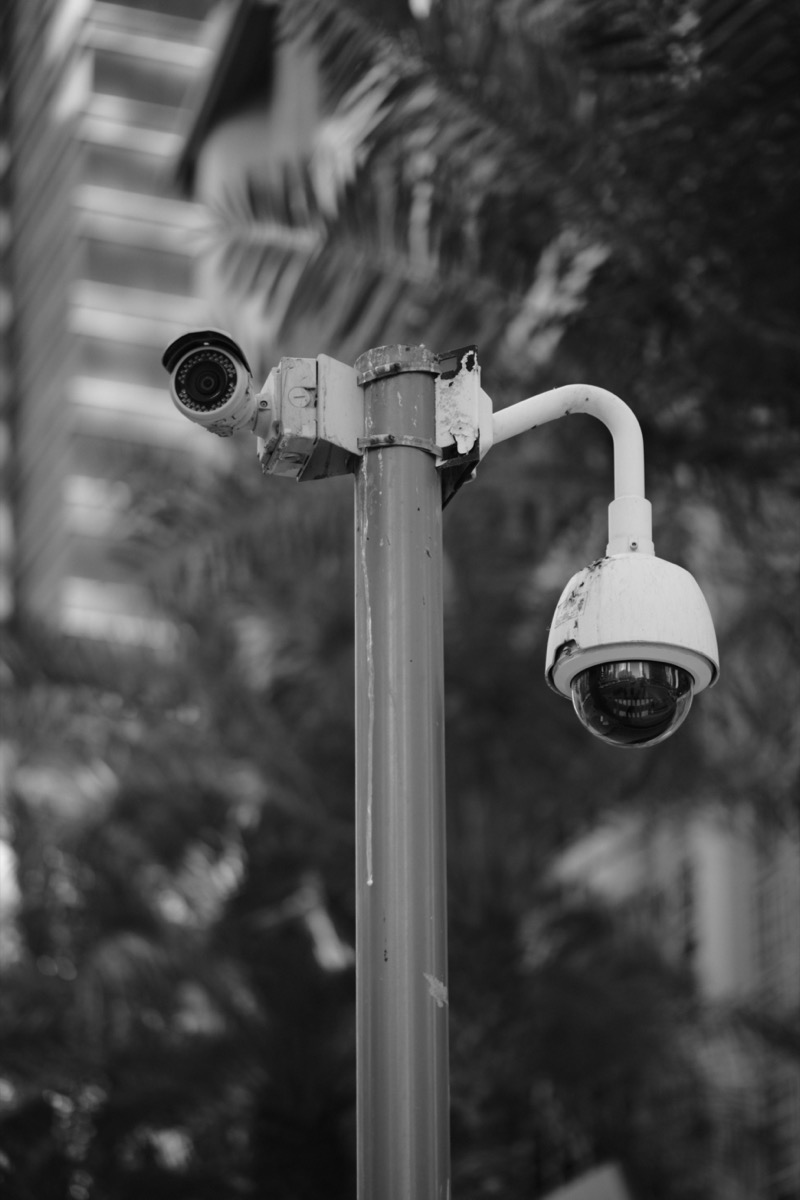
Rayin's 8+2 10G industrial PoE switch is built for exactly this: 8 Gigabit PoE ports for cameras/APs, 2 10GE uplinks or service ports for aggregation, −40 °C to +75 °C, 6 kV surge protection, and <50 ms ring failover — mount it directly in outdoor cabinets and on poles.
Step 1 — Inventory camera power, total the PoE budget. Add every camera, AP, and phone wattage, then ×1.2. Eight 15 W cameras ≈ 120–150 W; with 4K PTZ domes or APs it reaches 250–400 W, so choose an 802.3bt (90 W/port) model.
Step 2 — Plan uplink bandwidth by count and bitrate. At H.265, 4 MP is ≈3–4 Mbps per camera and 4K ≈8–12 Mbps. Eight cameras total 24–32 Mbps (Gigabit is fine); 16–24 cameras need uplink aggregation or multi-Gigabit — don't let the aggregation port clog first.
Step 3 — Outdoor or harsh points need wide temp and surge protection. For outdoor cabinets, poles, and distribution rooms, specify −40 °C to +75 °C and 6 kV surge protection. A commercial switch at 0–40 °C will not survive the field.
Step 4 — Put long runs on a ring. One fiber cut must not drop a whole row. A ring with <50 ms failover (ERPS / fast STP) reroutes around the break so surveillance stays up.
Step 5 — Use a managed switch for isolation and visibility. SNMP monitors status, 802.1X authenticates ports, VLAN separates surveillance from management traffic, and ACL locks domains. An unmanaged switch is a blind spot in a camera network — when something fails, you cannot see why.
How much PoE budget do 8 IP cameras need? Total the wattage of every powered device and add 20% headroom. Eight 15 W cameras draw about 120–150 W; once you add 4K PTZ domes (20–30 W each) and wireless APs, demand reaches 250–400 W, which calls for an IEEE 802.3bt switch rated at 90 W per port.
How much bandwidth does a 4K camera use? At H.265 a 4K camera uses about 8–12 Mbps; at older H.264 it needs two to three times that. Eight 4 MP cameras at H.265 total roughly 24–32 Mbps, which a single Gigabit uplink carries easily, while 16–24 cameras need uplink aggregation.
Why does a surveillance network need ring topology? A ring with ERPS or fast STP reroutes around a broken link in under 50 ms, so a single fiber cut never drops a whole row of cameras. On outdoor poles and site perimeters — long daisy-chained runs — ring topology keeps monitoring online through a cable failure.
What PoE standard powers a 4K PTZ camera? A 4K PTZ dome typically draws 20–30 W, which fits PoE+ (IEEE 802.3at, 30 W/port); add a heater and it can hit 60–90 W, requiring PoE++ (IEEE 802.3bt, 90 W/port). Always size the switch's total budget, not just per-port class.
Can I use a commercial switch outdoors for cameras? Not safely. Commercial switches are rated 0–40 °C with little surge protection and no ring failover. For outdoor cabinets, poles, and distribution rooms, specify a wide-temperature (−40 to +75 °C), 6 kV-surge, managed industrial PoE switch with <50 ms ring recovery.
Pick the best PoE switch for IP cameras by budgeting power first, then backhaul, then ring failover. The 8+2 10G industrial PoE design — wide temperature, 6 kV surge, sub-50 ms ring — is what keeps a surveillance network up when a cable breaks.
About the author: Sara — Sara is a Customer Manager at Rayin with over 10 years of experience in the communications field. In her free time, she enjoys badminton and swimming.
About Rayin: Shenzhen Rayin Technology Co., Ltd. — Company Profile