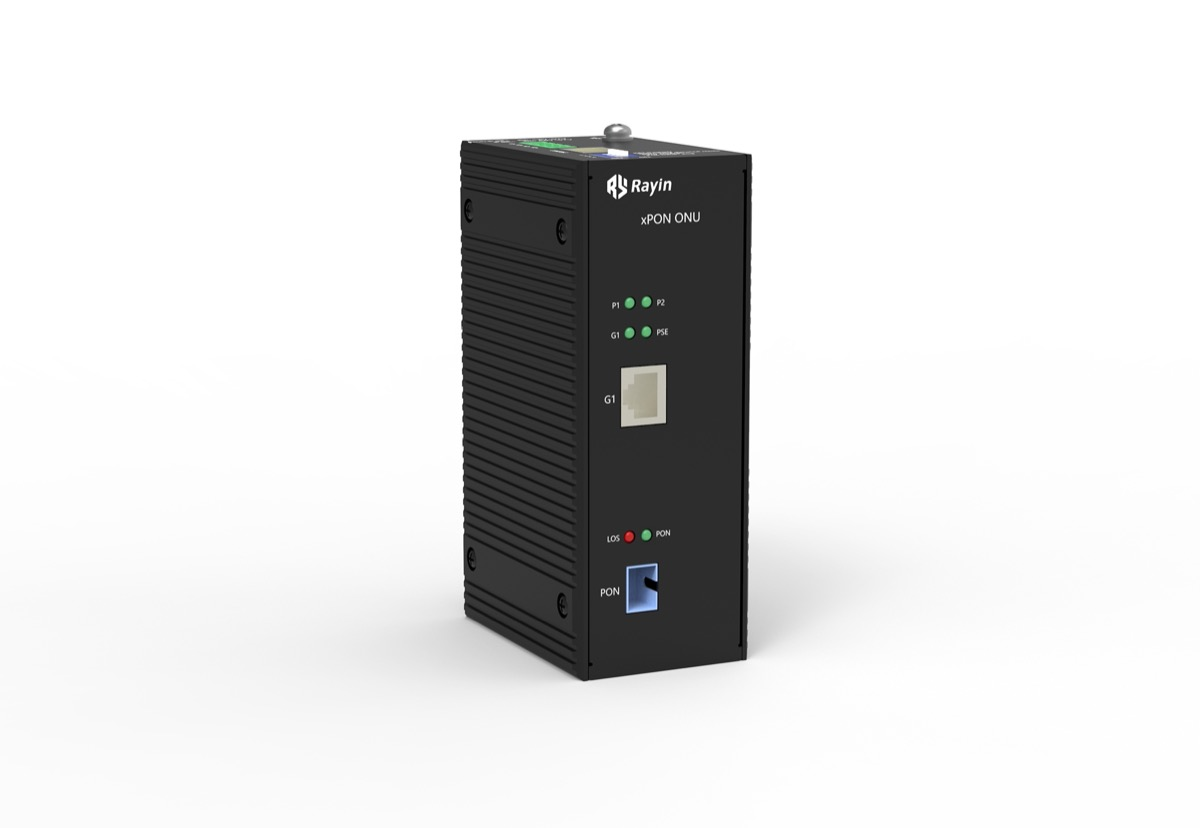
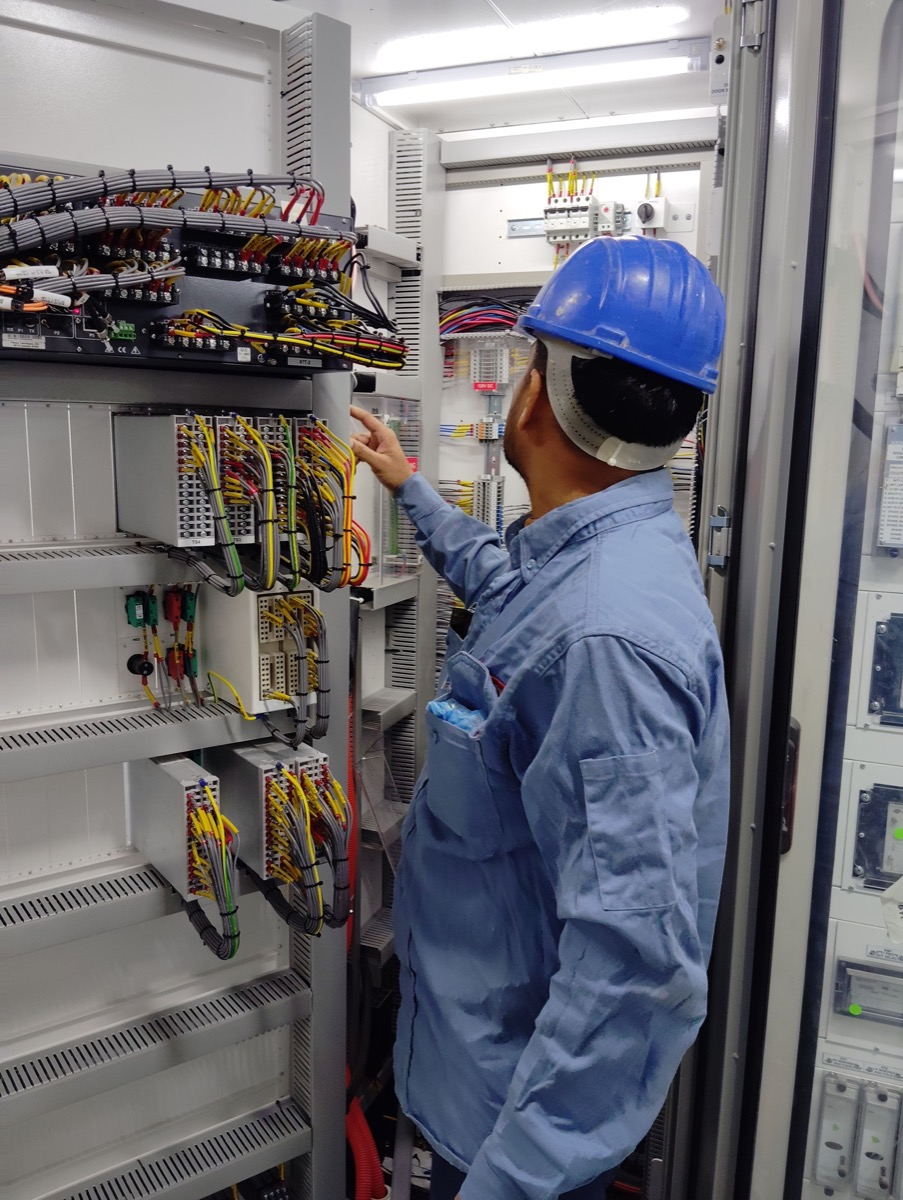
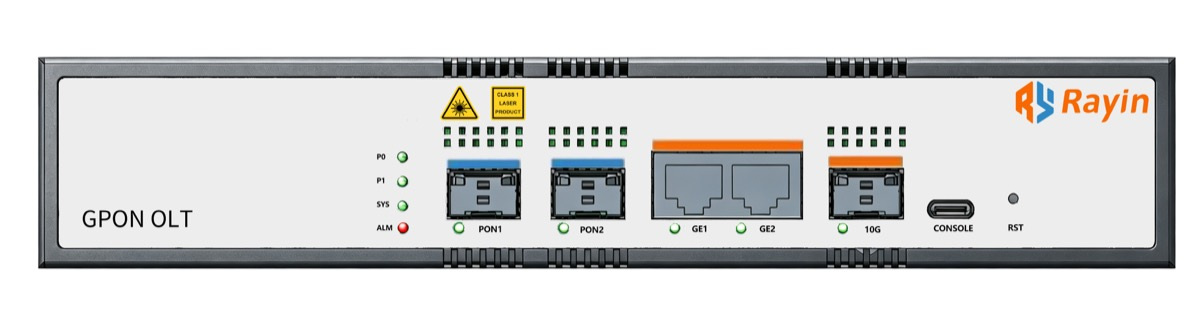
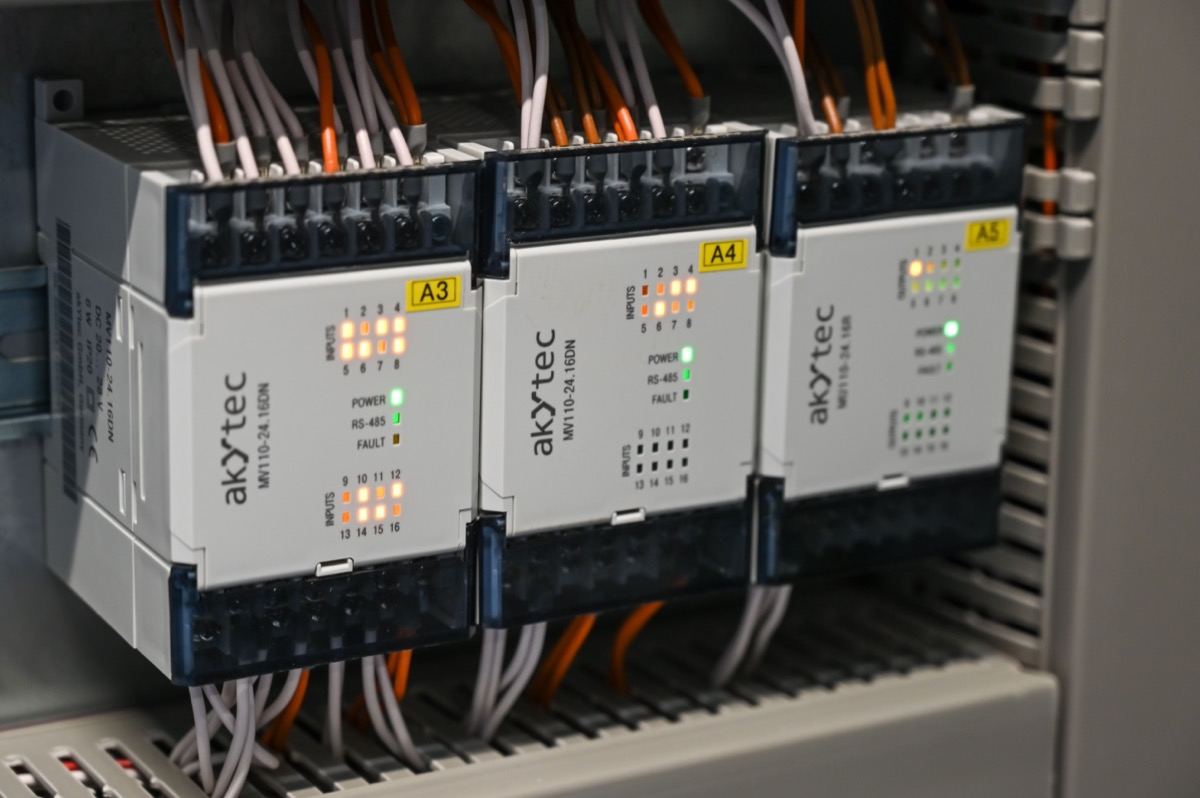
A console port is the out-of-band way into a device when the network is not an option — wrong VLAN, forgotten password, failed firmware, or an uplink that never came up. Rayin (Shenzhen Rayin Technology) is a manufacturer of GPON OLTs and industrial Ethernet switches. The choice between an RJ45 console and a USB Type-C console looks trivial until the device is in a cabinet and the engineer has whatever cable happens to be in the bag.
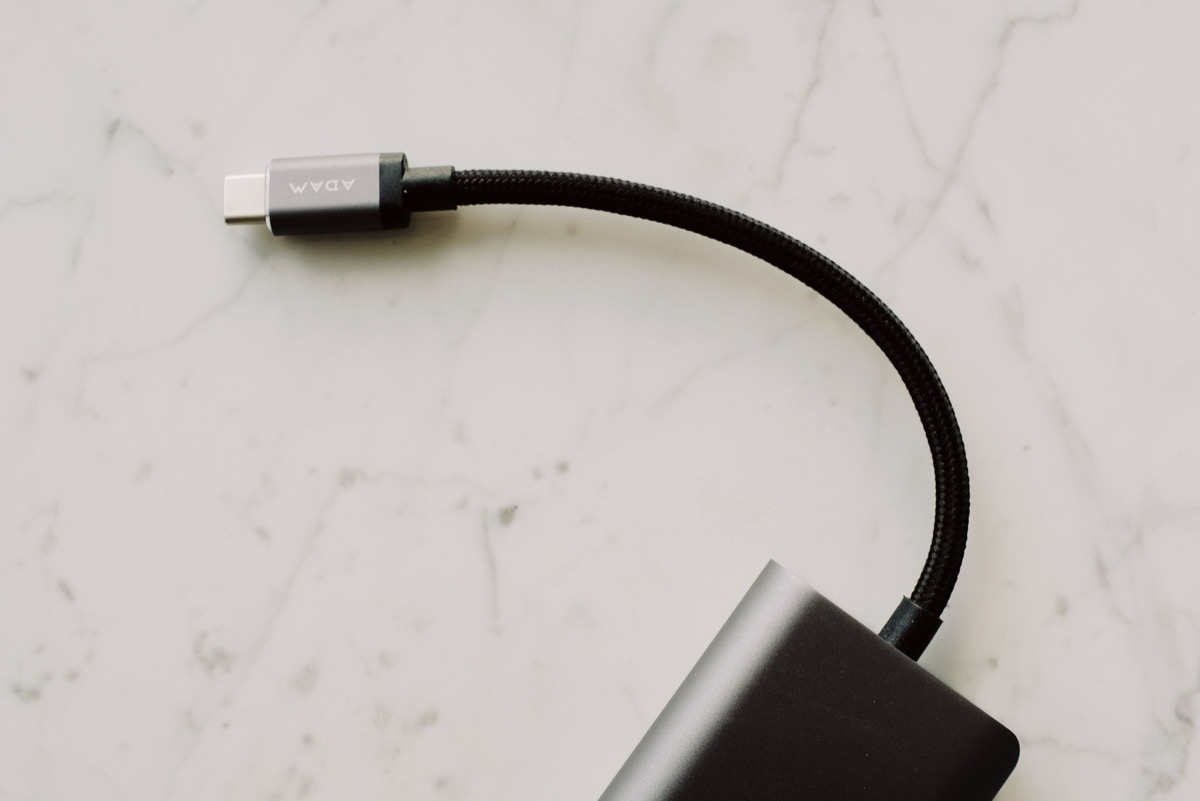
RJ45 console is an RS-232 interface, so it needs a USB-to-serial adapter on any modern laptop plus the correct rolled cable. Type-C console usually presents a USB serial device directly and works with a common cable.
The deciding factor in the field is adapter dependency, not elegance. An RJ45 console with no adapter in the kit is unusable; the USB option needs only a phone cable.
For harsh sites, check the physical side: a metal RJ45 jack tolerates surge and ESD better, while an exposed USB-C receptacle needs a sealing cap or a covered design.
Out-of-band means independent of the data plane. Console access does not need an IP address, a working VLAN or a reachable gateway, which is exactly why it is the recovery path when all three are wrong. Typical uses: restoring a configuration after a failed change, recovering from a firmware upgrade that did not complete, setting the initial management address, and reading boot output when a device will not come up at all.
The settings are conventional across vendors: 9600 baud, 8 data bits, no parity, one stop bit, no flow control. Most failures to connect are not protocol problems — they are the wrong COM port, the wrong cable, or a null-modem cable where a rolled console cable was needed.
| Factor | RJ45 console | USB Type-C console |
|---|---|---|
| Electrical interface | RS-232 levels | USB with an onboard serial bridge |
| Cable | Vendor rolled cable, often supplied | Standard USB-C data cable |
| Adapter needed | Yes — USB-to-serial on modern laptops | No, if the laptop has USB-C |
| Driver | Depends on the adapter chipset | Depends on the bridge chipset in the device |
| Cable availability on site | Low — usually lives in a labelled bag | High — any phone cable works |
| Robustness in cabinets | Metal jack, tolerant of ESD and surge | Receptacle needs dust or sealing protection |
| Length limit | Console runs are short; use a terminal server for remote | Same practical limit |
The pattern that decides most purchasing: Type-C wins on convenience, RJ45 wins on ruggedness and on compatibility with the serial consoles already deployed across a site.
The steps are the same whichever connector the device has, and most connection failures are step two or three:
Identify the interface. On an RJ45 console, that means the rolled console cable plus a USB-to-serial adapter. On USB, it means a data-capable cable — some charging cables carry no data lines at all.
Find the port. The operating system assigns a COM port (Windows) or a device node such as /dev/ttyUSB0 or /dev/cu.usbserial (Linux and macOS). If nothing appears, suspect the cable before the device.
Open a terminal at 9600 8N1, no flow control, and press Enter. Blank output with a connected cable usually means the wrong port, not a dead device.
Confirm you are at the right prompt. A login prompt, a boot log or a vendor banner tells you the session is live; nothing at all means go back to step two.
For sites visited rarely, a small console server that exposes the serial port over the management network removes the truck roll entirely. Put it on a management VLAN that is separate from production traffic, and treat it as part of the out-of-band path rather than as another network device.
Decide by environment rather than by preference.
| Situation | Recommended approach |
|---|---|
| Mixed fleet with existing serial consoles | RJ45, plus a labelled adapter in every field kit |
| New deployment, laptop-only crews | Type-C, with one RJ45 fallback for legacy devices |
| Roadside, substation or factory cabinets | RJ45 with surge-rated copper ports, or covered Type-C |
| Remote sites with no engineer nearby | Either, behind a console or terminal server |
| High dust or washdown areas | Sealed or covered port, whichever type you choose |
Three practical habits matter more than the connector choice:
Put a known-good adapter in every kit, and test it once. Chipset driver support varies by operating system version, and discovering that at 2 a.m. in a cabinet is an expensive way to learn it.
Label the management port on the device. In a cabinet full of identical RJ45 jacks, that port is the one you cannot afford to plug into the wrong socket.
Record the settings and the fallback. Console parameters, default credentials policy, and where the configuration backup lives — written down, not remembered.
Can I use a normal Ethernet cable with an RJ45 console? No. Console pinouts differ from Ethernet wiring — you need the vendor's rolled console cable or an adapter wired for that pinout, plus a USB-to-serial adapter for a modern laptop.
Does a USB connection need a driver? Usually the device contains a USB-to-serial bridge, so the operating system needs a driver for that chipset. Most are recognised automatically, but confirm before a site visit.
Which is better in a harsh industrial cabinet? RJ45, on physical grounds: a metal jack handles ESD and surge better. If you standardise on Type-C, specify a covered or sealed receptacle.
What are the usual console settings? 9600 baud, 8 data bits, no parity, one stop bit, no flow control. If the session shows nothing, check the COM port and the cable before suspecting the device.
How do I get console access to a site with no engineer? Use a console or terminal server that exposes the serial port over the network, and keep it on a management path that is separate from the production traffic.
Why every managed industrial switch still needs an RS232 port
Switch ports explained: RJ45, SFP, PoE and console in one pass
Deployment checklist: from console access to configuration backup
About the author: Sara is a Customer Manager at Rayin with over 10 years of experience in the communications field. In her free time, she enjoys badminton and swimming.
About Rayin: Shenzhen Rayin Technology Co., Ltd. — company profile