An optical transceiver is the translator that lets an electrical device talk over fiber: your switch moves electrons, the fiber carries photons, and the module plugged into the SFP port converts between the two. Without it, even a good switch cannot connect to fiber at all.
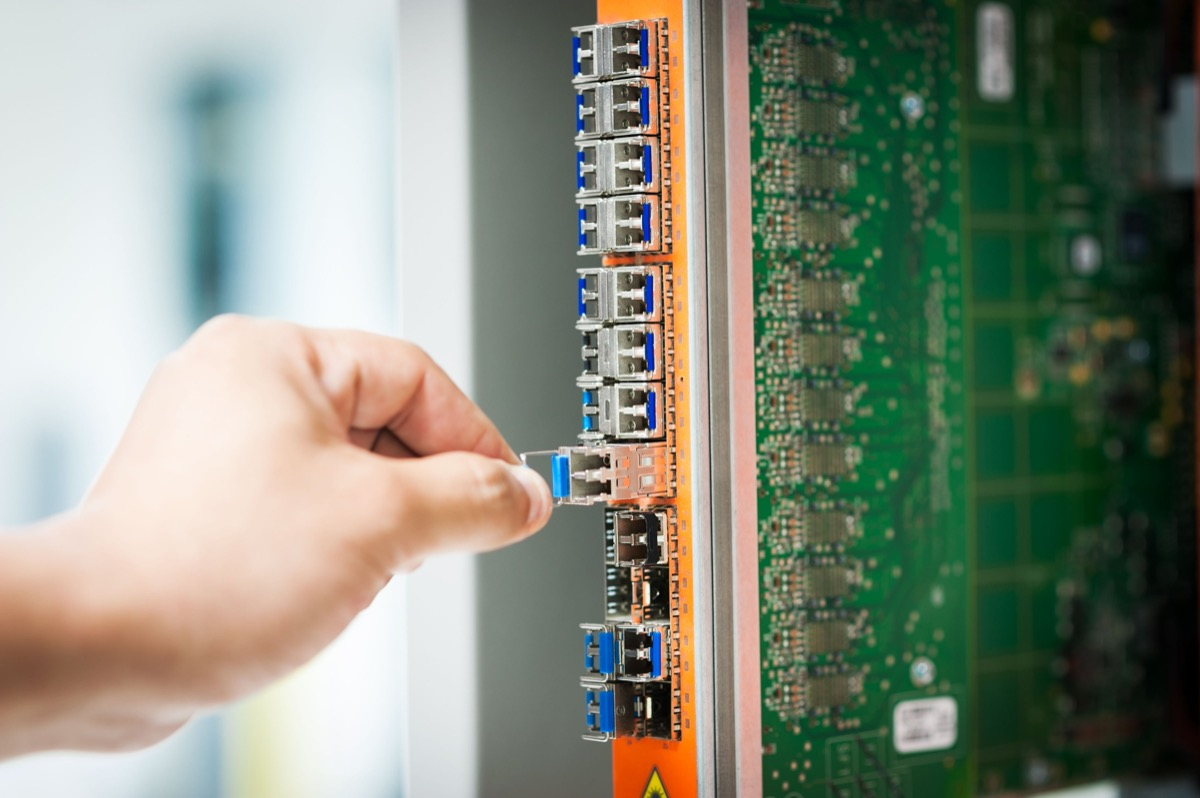
The module does the electrical-to-optical conversion: a laser on transmit, a photodetector on receive.
Form factor sets the slot and the speed — an SFP port takes SFP, and SFP+ slots usually accept SFP at 1G but not the reverse.
Match wavelength to fiber type, leave distance margin, and test cross-vendor interop on a sample before bulk rollout.
On the transmit side, the electrical signal from the device drives a laser assembly (TOSA) that modulates the data into light and launches it into the fiber. On the receive side, incoming light strikes a photodetector (ROSA), which converts it back into an electrical signal for the device.
A controller in between manages wavelength, output power, and diagnostics. The whole round trip finishes in far less than a millisecond, which is why nobody notices it happening.
The form factor decides which slot a module fits and how fast it runs. SFP goes into an SFP port, SFP+ into an SFP+ port, and a 10G module cannot simply be pushed into a 1G slot — the rates do not match and the link will not come up.
| Type | Rate | Typical wavelength | Distance | Where it is used |
|---|---|---|---|---|
| SFP | 1G | 1310/1550nm | Single-mode 10–40 km | Access, Fast/Gigabit optical ports |
| SFP+ | 10G | 1310/1550nm | Single-mode 10–40 km | 10 Gigabit uplinks |
| XFP | 10G | 1310/1550nm | Long reach | Early 10G deployments |
| SFP28 | 25G | 1310nm | Single-mode | 25G access |
| SFP56 | 50G | 1290/1300nm (PAM4) | Single-mode 10–40 km | 5G fronthaul, wireless access |
| QSFP28 | 100G | 850nm (MM SR4) / 1310nm (SM) | MM 100 m / SM 2–10 km | Core interconnect, in-rack |
| QSFP56 | 200G | 1310nm (PAM4) | Data center 100 m–2 km | ToR, entry AI clusters |
| QSFP-DD | 400G | 1310nm (PAM4) | Data center 100 m–2 km; coherent reaches 100 km+ | Core, AI clusters |
| OSFP / QSFP-DD800 | 800G | 1310nm (PAM4) | Data center 100 m–2 km | AI compute centers, 1.6T uplinks |
Above 25G the packages grow a generation at a time: 50G uses SFP56, 200G uses QSFP56, 400G mostly QSFP-DD, and 800G mostly OSFP or QSFP-DD800. These turn up in large data centers and AI compute clusters. They are physically larger and draw far more power — tens of watts per module — which puts them outside the range you would normally deploy at field access or industrial sites, though they belong to the same pluggable family.
Multimode modules run an 850 nm short wavelength over multimode fiber. They suit short interconnects of tens to a few hundred meters inside an equipment room and cost less.
Single-mode modules run longer wavelengths — 1310 or 1550 nm — over single-mode fiber, reaching several to several tens of kilometers, which is what you want between buildings or across a campus. The rule is to treat wavelength and fiber type as a matched pair; mix them and the link either fails outright or falls far short of its rated distance.
Warning: A single-mode module will not run over multimode fiber. The wavelength and fiber mode do not match, so you get either a barely-working very short link or nothing at all.
A switch offers two kinds of port. Copper ports take twisted-pair cable through an RJ45 connector, while optical ports accept a module and run fiber. That is what lets one box serve both: pull in a distant uplink through a fiber port, and use copper for short local runs.
Because the module is pluggable, a failed one is a hot-swap replacement rather than a whole-device swap. Most industrial designs keep both port types on the same unit so you populate the optical side only where the run actually needs it. On a fiber switch those optical ports carry the uplinks and the long runs, while copper handles everything within the cabinet.
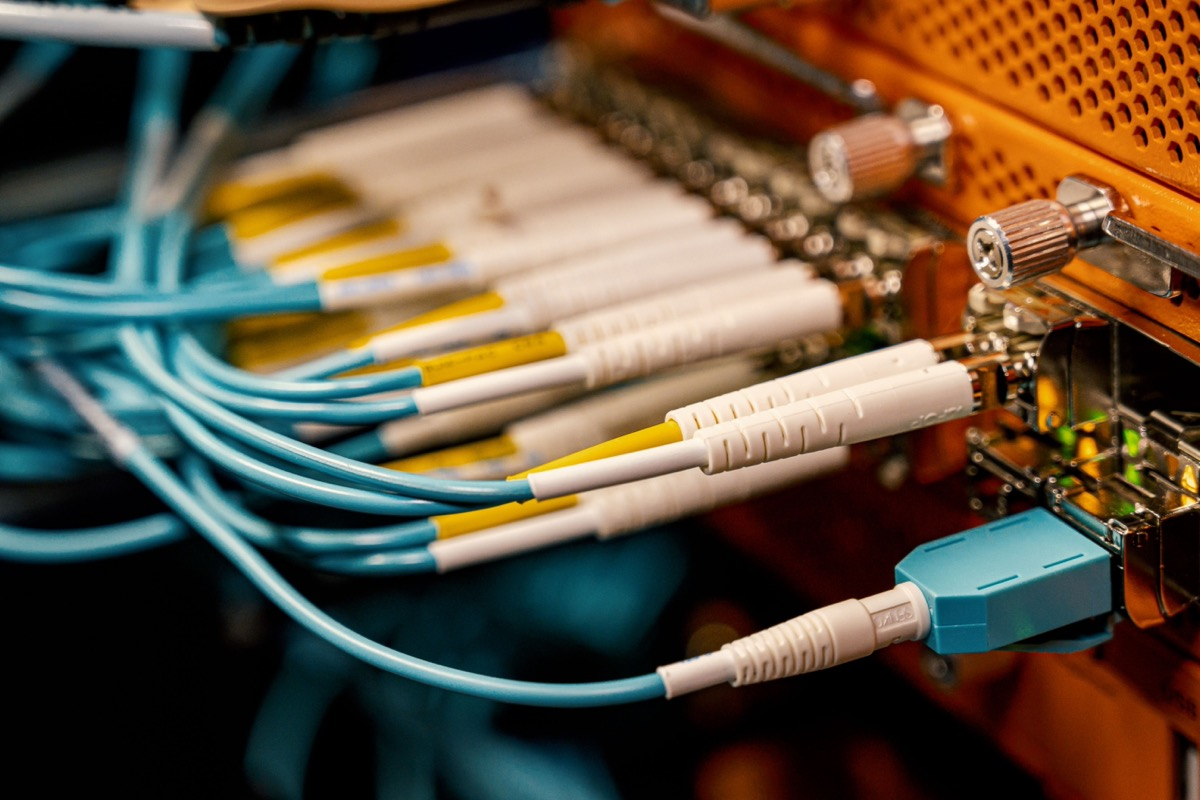
Get the rate and wavelength right first. Both ends need the same rate, a matched wavelength, and the same fiber type before the link will come up at all.
Leave margin on distance: the module's rated reach should exceed the actual fiber length plus splice loss. Note that two modules with the same 10G rate can be rated for very different reaches — 10 km versus 40 km — because reach is set by transmit power, receiver sensitivity, and fiber loss.
Tip: Before a bulk order, connect a sample pair from the two vendors you intend to mix and confirm they link up and report sane diagnostics. Most vendors follow public specifications such as SFF-8472, but a private coding scheme can leave the far end refusing to recognise the module.
For cross-vendor work, check digital diagnostic monitoring (DDM) support and the coding format. Where a fiber uplink is the plan, a fiber switch with open SFP slots keeps that choice flexible; the same applies to a 10g switch where SFP+ is the uplink of choice.
Can SFP and SFP+ be mixed? The physical slots differ. An SFP+ slot usually accepts an SFP module and runs it at 1G, but an SFP slot will not accept an SFP+ module because the rate is not there. Do not force it.
Do hot modules matter? High-speed modules — 25G and 100G in particular — genuinely run hot. Keep the chassis airflow unobstructed, and at high port density watch both the spacing between modules and overall thermal headroom.
Can a single-mode module run over multimode fiber? No. Match the module to the fiber type you have.
The module is plugged in but the port light stays dark — where do I start? Confirm both ends are set to the same rate and wavelength, and that the fiber type matches — do not mix single-mode and multimode. Then check whether the patch cord is crossed correctly, TX to RX, and whether the connectors are clean. Finally, see whether the far-end module and port negotiated a rate at all.
Why do two 10G modules reach 10 km and 40 km respectively? Reach is set by transmit power, receiver sensitivity, and fiber loss. Long-reach modules launch more power and hear weaker signals, and they cost more. Buy for the actual link length: no reason to overpay for a short run, and no reason to stretch a short-reach module across a long one.
Can modules from different brands be mixed? Usually yes, once rate, wavelength, and fiber type line up. The exceptions are vendors using private coding or disabling standard digital diagnostics, which can leave the far end not recognising the module. Test a sample pair first on critical or high-volume links.
How long does a module last? Five to ten years is common in a normal indoor environment. Heat, humidity, and frequent re-seating shorten that. Watch the module's transmit and receive power and its temperature through diagnostics, and line up spares once values drift toward the threshold.
What does DDM actually tell me? Digital diagnostic monitoring reports transmit power, receive power, temperature, and sometimes bias current in real time. Those numbers tell you whether a link is healthy or drifting toward the edge of its budget, which is far more useful than waiting for it to fail.
An optical transceiver is the translator that turns electrons inside your device into photons inside the fiber. Selection comes down to three checks: the rate matches, the wavelength and fiber type pair up, and the distance rating carries margin. Verify cross-vendor interop on a sample before committing to volume.
About the author: Sara — Sara is a Customer Manager at Rayin with over 10 years of experience in the communications field. In her free time, she enjoys badminton and swimming.
About Rayin: Shenzhen Rayin Technology Co., Ltd. — Company Profile