Latency is how long a packet takes to make the round trip, jitter is how much that time wobbles from packet to packet, and packet loss is the share that never arrives at all. Bandwidth only tells you how much a link can hold; these three tell you whether using it feels any good.
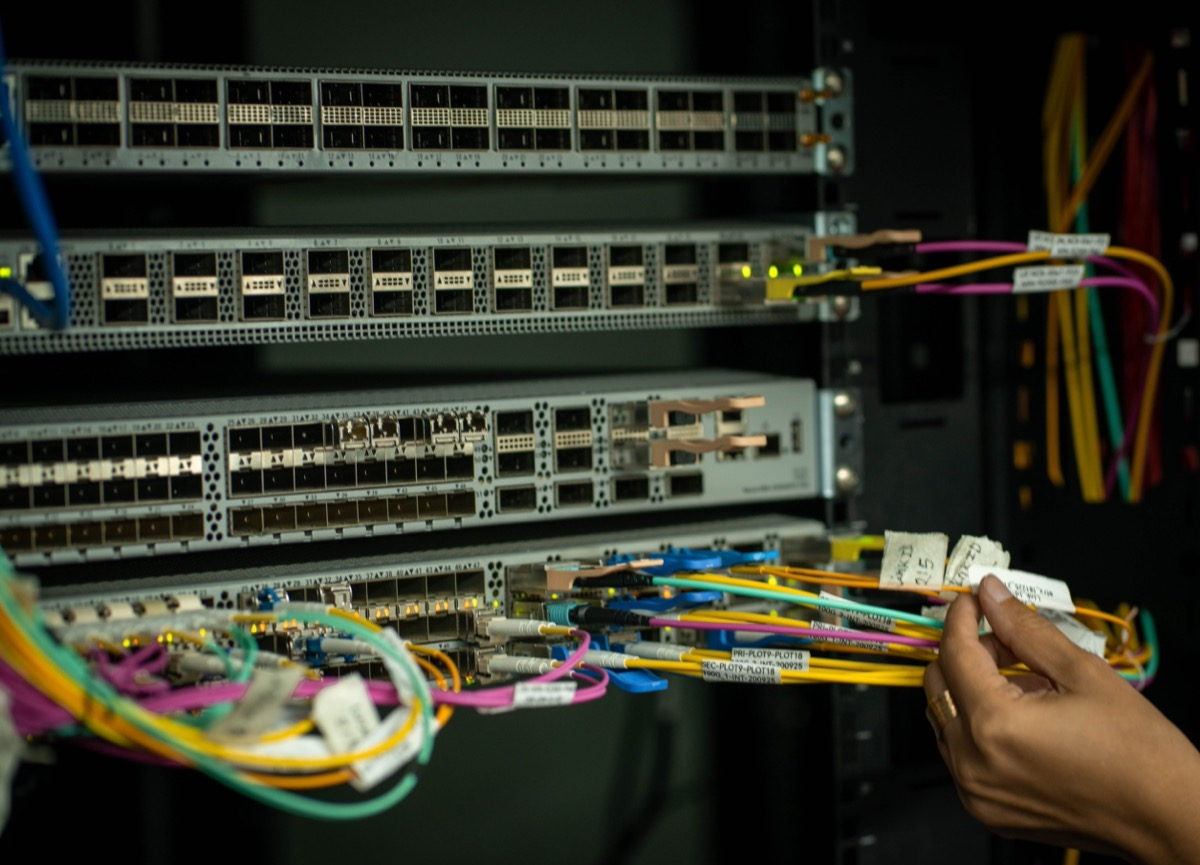
Latency is dominated by physical distance and forwarding hops — not by how much bandwidth you bought.
Jitter hurts real-time voice and video more than a slightly higher average delay does.
Loss triggers retransmission, which deepens congestion; on fiber links, check optical power before blaming load.
Latency is the time a packet needs to travel from A to B and back — the round-trip time, measured in milliseconds. It has two main parts: propagation delay in the fiber itself, which runs at roughly 5 microseconds per kilometer and simply cannot be engineered away, plus the processing and queueing delay inside each device along the path.
That split explains most surprises. Inside a LAN, devices sit close together and latency often stays below 1 ms. Stretch the same conversation across a hundred kilometers and propagation alone eats ten to several tens of milliseconds, no matter how expensive the equipment is.
Jitter is the variation in latency. If the first packet of a call arrives in 30 ms and the second takes 80 ms, that 50 ms gap is the jitter. Real-time traffic tolerates a somewhat higher absolute delay far better than it tolerates an unstable one — jitter is what makes video freeze and voices break up.
Receivers paper over it with a jitter buffer, holding late packets briefly so playback stays smooth. The trade-off is unavoidable: a bigger buffer absorbs more jitter but adds delay of its own, so you tune it rather than maximize it.
Note: A jitter buffer trades delay for smoothness. On a call already running at 150 ms round trip, a large buffer may make it sound clean but feel sluggish in conversation.
Packet loss is the proportion of sent packets that never reach the far end. Three causes cover most cases: a congested link dropping from a full queue, bit errors from fiber attenuation or a dirty connector, and interference in wireless segments.
Loss is self-reinforcing. Dropped packets trigger retransmission, retransmission adds load, and added load causes more drops — video pixelates, file transfers crawl, and games teleport. On optical paths, loss usually travels with weak receive power, so read the optical power first and look at congestion second.
| Metric | Definition | Unit | What it affects | Typical good value |
|---|---|---|---|---|
| Latency | Round-trip travel time | ms | How responsive interaction feels | <1 ms on LAN, tens of ms across provinces |
| Jitter | Variation in latency | ms | Smoothness of real-time services | <30 ms for voice |
| Packet loss | Share of packets that never arrive | % | Integrity and retransmission | <0.1% is good |
Start with ping for latency and loss — it gives you average round-trip time and the loss percentage in one shot. For throughput and stability, push real traffic with iperf and read the achieved rate instead of the rated one.
Tip: ping cannot show you jitter. It reports an average, and the per-packet variation is exactly what breaks voice and video. You need an instrument or a probe with quality statistics to see the distribution.
Segment your testing rather than measuring the whole path at once: same subnet first, then across subnets, then across the carrier. Each step narrows the suspect range. Managed switches with ring protection and QoS help here, because they let you isolate which hop is adding delay instead of guessing.
Within a LAN, single-digit millisecond latency and near-zero loss are normal. Across a public network or between provinces, tens of milliseconds is expected and loss should stay under 0.1%; once it holds above 1%, the link deserves an investigation.
For real-time voice and video, users start noticing jitter past 30 ms and clearly feel it past 50 ms. Treat these as reference thresholds for troubleshooting, not as hard pass/fail lines.
Warning: A clean ping does not prove the application is healthy. ping reports reachability and delay only — a stuttering service is often jitter or an application-layer problem that ping cannot see.
Where it pays off is the access layer. Applying QoS and VLAN isolation there holds down latency and jitter for the traffic that actually matters, instead of letting bulk transfers compete with it. Traffic shaping is the mechanism: you decide which queues get served first, and flow control keeps a congested port from silently discarding everything at once.
More bandwidth does not mean lower latency. Bandwidth governs concurrent capacity; latency is set mostly by physical distance and the number of forwarding hops. Of two routes in the same city, the lower-bandwidth one can easily be the faster one.
Loss is not always a broken network. Congestion, a device CPU pinned at 100%, and marginal optical power all produce loss. What matters is whether it is continuous or bursty.
A normal ping is not a healthy service. ping only reflects connectivity and delay. Business complaints are frequently jitter or application-layer issues that ping will never show.
Why did LAN latency suddenly spike? Check for a broadcast storm or a loop saturating the bandwidth first, then see whether an uplink is running full or a device is copying large volumes. Enabling storm control and loop detection on the switch contains most sudden latency jumps.
Is 0.5% packet loss serious? For file downloads it is barely noticeable, but voice, video and industrial control feel it — real-time services usually want under 0.1%. At 0.5% it is worth checking optical power and congestion rather than waiting.
Which matters more, jitter or latency? It depends on the service. Web browsing suffers from high latency; voice and video suffer more from jitter. Watch both, and treat jitter as the primary metric whenever the traffic is real-time.
How does wireless differ from wired? Wireless carries naturally higher jitter and loses packets to interference; copper and fiber are far steadier. Run fixed, critical endpoints on cable and use wireless only to cover what cannot be wired.
How do I measure jitter if ping cannot show it? ping reports only an average round-trip time, so the variation between packets stays invisible. Use a dedicated instrument or a probe that reports quality statistics to read per-packet delay distribution, or run a UDP stream and read the jitter figure directly.
Latency, jitter, and packet loss are the three pillars of network quality: latency is speed, jitter is steadiness, loss is completeness. Measure in segments to locate a problem, and use thresholds as reference points rather than verdicts. For critical services, the access layer is where QoS and isolation earn their keep — a little traffic shaping there usually does more for perceived speed than any upgrade further upstream.
About the author: Sara — Sara is a Customer Manager at Rayin with over 10 years of experience in the communications field. In her free time, she enjoys badminton and swimming.
About Rayin: Shenzhen Rayin Technology Co., Ltd. — Company Profile