A warehouse network is no longer an office network with a bigger floor plan. Once AGVs and handheld picking terminals are on it, three things decide whether it works: roaming that hands off in under 50 ms, coverage that survives twelve metres of steel racking, and hardware that still boots at −30 °C.
Rayin (Shenzhen Rayin Technology) is a manufacturer of GPON OLTs and industrial Ethernet switches.
Everything else — the switch count, the PoE budget, the uplink — follows from those three. Get them wrong and the symptom shows up as a stopped vehicle in an aisle or a picking terminal that loses its session at the far end of the racking.
Roaming. An AGV drives the whole floor. If a handoff between two APs takes longer than 100 ms, the dispatch server decides the vehicle is lost and triggers an emergency stop — and every stop-and-restart costs the rhythm of the line. The 802.11k/v/r protocol family is what pulls that handoff under 50 ms, and it only works if adjacent warehouse access points overlap without gaps.
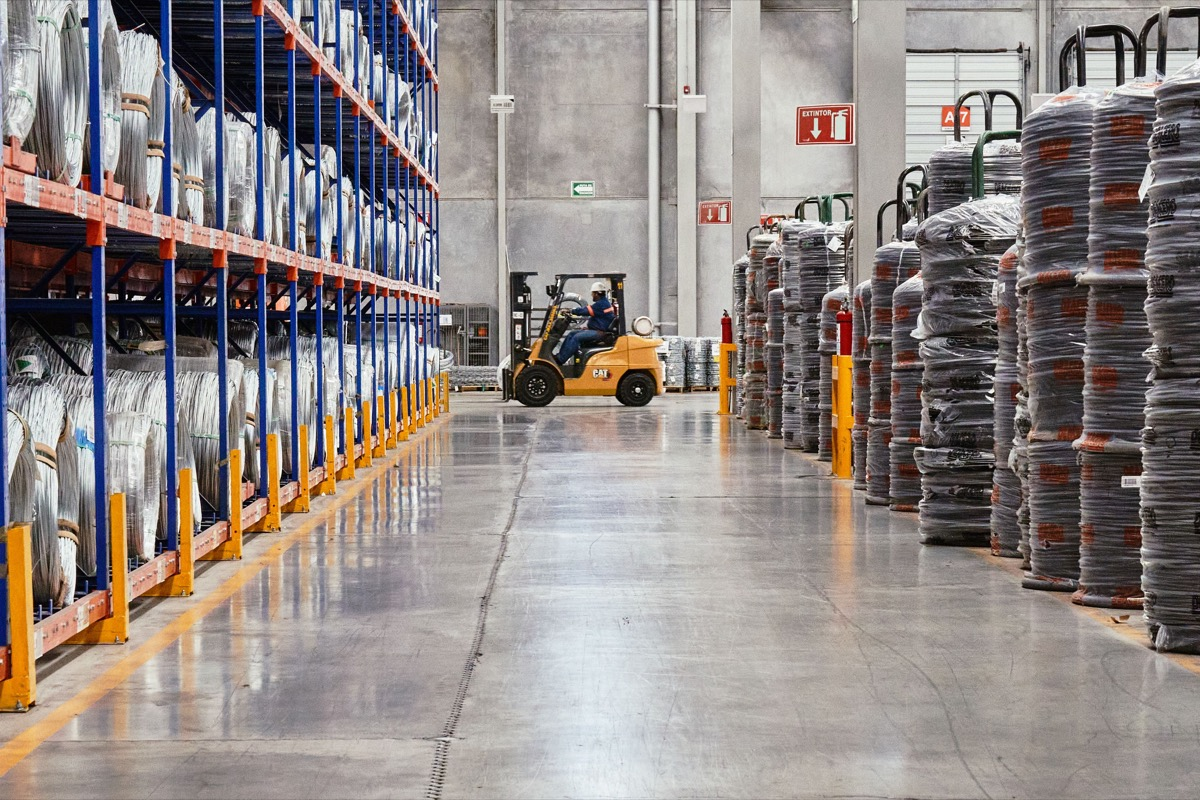
Obstruction. Racking twelve metres high is a signal barrier. The flat-floor coverage formulas that work in an office simply do not apply in a racked warehouse, and the AP count ends up roughly double what the same floor area would need in the open.
Cold. A blast freezer at −25 to −30 °C kills ordinary batteries and capacitors outright, and the temperature difference at the door produces condensation and frost on whatever crosses it. Protection and temperature range both have to be industrial grade.
Split the building into four areas: dock, rack storage, cold store, and office support. The rack and dock areas take ambient-temperature PoE switches that also feed the APs and cameras. The cold store gets wide-temperature models, and the cheaper arrangement is to keep the switch body in the buffer room outside and push only the antenna and the AP into the freezer.
At the centre, an aggregation switch connects the WMS and the AGV dispatch server. An AGV can connect two ways: a vehicle-mounted terminal roaming the plant Wi-Fi, or positioning base stations along the aisles. Both depend on AP density and signal continuity, so AP planning follows the racking aisles rather than a uniform area grid. Zoning is what makes a warehouse network predictable, because each area has one job and one set of hardware rules.
| Dimension | Rack and dock area | Cold store (0 to −30 °C) |
|---|---|---|
| Operating temperature | 0 to 45 °C, ordinary equipment is usable | Wide-temperature model rated to −30 °C start, −40 °C storage |
| Power | Taken locally from the room or distribution board | Switch kept in the buffer room to cut heat inside the freezer |
| Condensation | No special requirement | Anti-condensation housing, insulated and sealed cable entries |
| AP placement | Even ceiling mounting | Low wall mounting plus directional fill-in at doorways |
| Cabling | Standard Cat5e or Cat6 | Cold-store jacket rated for low temperature |
| Maintenance window | Any time | Batched into the defrost window |
AP count. For a 10,000 m² rack area with 12 m racking slicing the space into aisles, each warehouse access point effectively covers 500–600 m² — call it 550 m² — so 18 units. The dock is 1,500 m² of open floor at 750 m² per warehouse access point, so two. The 800 m² cold store needs four to compensate for wall losses and low-temperature attenuation. That is 24 APs in total.
PoE budget. Twenty-four APs at an 802.3at negotiated 18 W — Wi-Fi 6 dual-band runs 15–20 W at full load — plus 14 cameras at 6 W each: 24 × 18 + 14 × 6 = 432 + 84 = 516 W. Three 8-port PoE switches carry eight APs each at roughly 144 W, below the chassis budget, and the power supply should be specified with a 1.3× margin.
Uplink. Estimate at concurrent peak: 24 APs × 20 associated clients × 25% simultaneously active × 3 Mbps ≈ 360 Mbps. Twelve AGVs at 3 Mbps add 36 Mbps, though control frames care about latency rather than bandwidth. Video return is 14 × 4 = 56 Mbps. Total peak is about 450 Mbps, or 45% of a single gigabit uplink — healthy. Give AGV dispatch its own VLAN with a QoS priority so a picking peak cannot push control traffic latency up.
| Device | Connection | PoE | Key requirement |
|---|---|---|---|
| Rack and dock APs | Wired PoE | 802.3at, 15–20 W | Continuous roaming, 2.4 GHz and 5 GHz planned separately |
| Cold-store AP | Wide-temperature model | 802.3at, 15–20 W | Anti-condensation, directional coverage at doorways |
| CCTV cameras | Wired PoE | 6–10 W | No blind spots at gates and loading bays |
| AGV terminal | Wireless roaming | — | 802.11k/v/r, control VLAN at high priority |
| Picking PDA and printers | Wireless | — | Dense small packets, rate-limited so they cannot crowd the channel |
| Electronic shelf labels | PoE or wireless | Under 5 W | Response latency under 100 ms |
Rayin's industrial PoE switches are chosen for this kind of site because the ambient and cold areas run under one management plane: alarms report centrally and a port can be restarted remotely, so a cold-store fault does not require an engineer to open the freezer and stand in it. Port combinations and selection guidance are in the industrial switch range.
An AGV drops out at the end of an aisle — where do I start? With a roaming test, not a hardware swap. Walk the AGV route with a test client and log which AP it associates with at each position and at what signal level. Usually the overlap zone between the last two APs is too small — overlap needs to hold −65 dBm or better — and adding one directional fill-in AP at the end is far cheaper than replacing every AP. Confirm 802.11k/v is enabled on the AP side and supported by the vehicle terminal.
Cold-store equipment fails and nobody covers it — what should I check? Read both numbers on the datasheet: storage temperature and operating temperature. A lot of "industrial grade" hardware only has a wide operating range, and after a power cut the freezer's storage temperature will still destroy it. Specify −40 °C storage and cold start, and keep active equipment in the buffer room with only the AP and antenna inside the freezer — the cheapest and lowest-failure layout for a cold-store network.
Warehouse Wi-Fi slows down at peak — is that a bandwidth problem? Usually not the uplink. It is co-channel interference plus slow clients: dozens of PDAs crowded onto 2.4 GHz, and one terminal retransmitting at 1 Mbps drags the whole channel down. Move PDAs and printers onto 5 GHz, leave 2.4 GHz for legacy devices only, and rate-limit IoT terminals on the switch. That resolves most peak-hour complaints.
Is 24 APs too many for 10,000 m²? Not in a racked warehouse — obstruction sets the number. The test is not floor area but "at least −65 dBm at every work position, with 15–20% overlap between neighbours." Start with the 18 aisle units and measure, then fill in the dock and cold store as needed; that is cheaper than installing everything at once and removing some later. The AP is the cheap part of this build. A stopped line is not.
Can one switch model cover both the ambient and cold areas? One management system can, one hardware model usually cannot. A standard switch in a buffer room is fine, but anything mounted inside a freezer needs the wide-temperature and anti-condensation parts. Using cold chain monitoring sensors as your early warning is a practical compromise: they flag a rising enclosure temperature before the switch itself gives up.
PoE Power Negotiation: 802.3af, at, bt Class and the LLDP Handshake
Why Industrial Switches Must Pass IEC 61000-4 Immunity Tests
About the author: Sara — Customer Manager at Shenzhen Rayin Technology Co., Ltd., 10+ years helping ISPs and integrators build industrial networks.
About Rayin: Shenzhen Rayin Technology Co., Ltd. — Company Profile