The control plane vs data plane split exists because forwarding and thinking run at speeds that differ by four orders of magnitude. A switch ASIC moves tens of millions of frames per second in hardware; the CPU that runs spanning tree, LLDP and SNMP handles thousands of packets per second at best. Everything that must be decided goes to the CPU. Everything that must be moved stays in silicon. When the CPU hits 100%, the symptom is almost never "the switch stopped forwarding" — it is "the switch stopped answering", and that difference is the whole diagnostic.
Rayin (Shenzhen Rayin Technology) is a manufacturer of GPON OLTs and industrial Ethernet switches.
A 24-port gigabit switch forwards at roughly 35.7 Mpps at 64-byte frames. The CPU behind it is sized for a few thousand packets per second. The gap is what makes CPU protection a design requirement, not an optimisation.
Four traffic types own the punt path: link-local protocol frames (STP, LLDP, LACP), control protocols with a TTL (OSPF, BGP, VRRP), first-hop resolution (ARP, DHCP, ND), and anything addressed to the switch itself.
Forwarding survives a pegged CPU. Management access, protocol convergence and authentication do not. That is why "the network is up but I can't log in" is a control plane symptom, not a data plane one.
Three planes, one chassis, and they fail in completely different ways.
| Plane | What it does | Where it runs | What breaks when it saturates |
|---|---|---|---|
| Data plane (forwarding) | Moves frames between ports using the MAC table, VLAN table and ACL entries already programmed | ASIC / switch silicon | Throughput drops, but only if the tables are wrong or the buffers overflow |
| Control plane | Builds the tables: spanning tree, MAC learning, ARP/ND, routing protocols, LACP, LLDP | Device CPU and its software stack | Protocol flaps, topology reconverges, authentication times out — forwarding often continues |
| Management plane | Human and NMS access: SSH, HTTPS, SNMP, syslog, NTP, firmware transfer | Device CPU, treated as low priority | You lose visibility and the ability to change anything, usually at the worst moment |
The mental model that survives contact with real incidents: the data plane is a conveyor belt, the control plane is the person deciding which box goes where, and the clipboard is SNMP access. Stop the person and the belt keeps running with whatever routing was already programmed. Lose the clipboard and you cannot tell anyone what is happening.
Do the arithmetic once and the rest of this article makes sense.
For gigabit Ethernet with 64-byte frames, minimum-size frame forwarding is 1.488 million packets per second per port — 1 Gbps divided by the 84 bytes on the wire including preamble and inter-frame gap. A 24-port gigabit switch therefore has a line-rate forwarding capacity of about 35.7 Mpps, and a 8+4 port industrial switch with eight gigabit access ports and four uplink ports sits in the same order of magnitude.
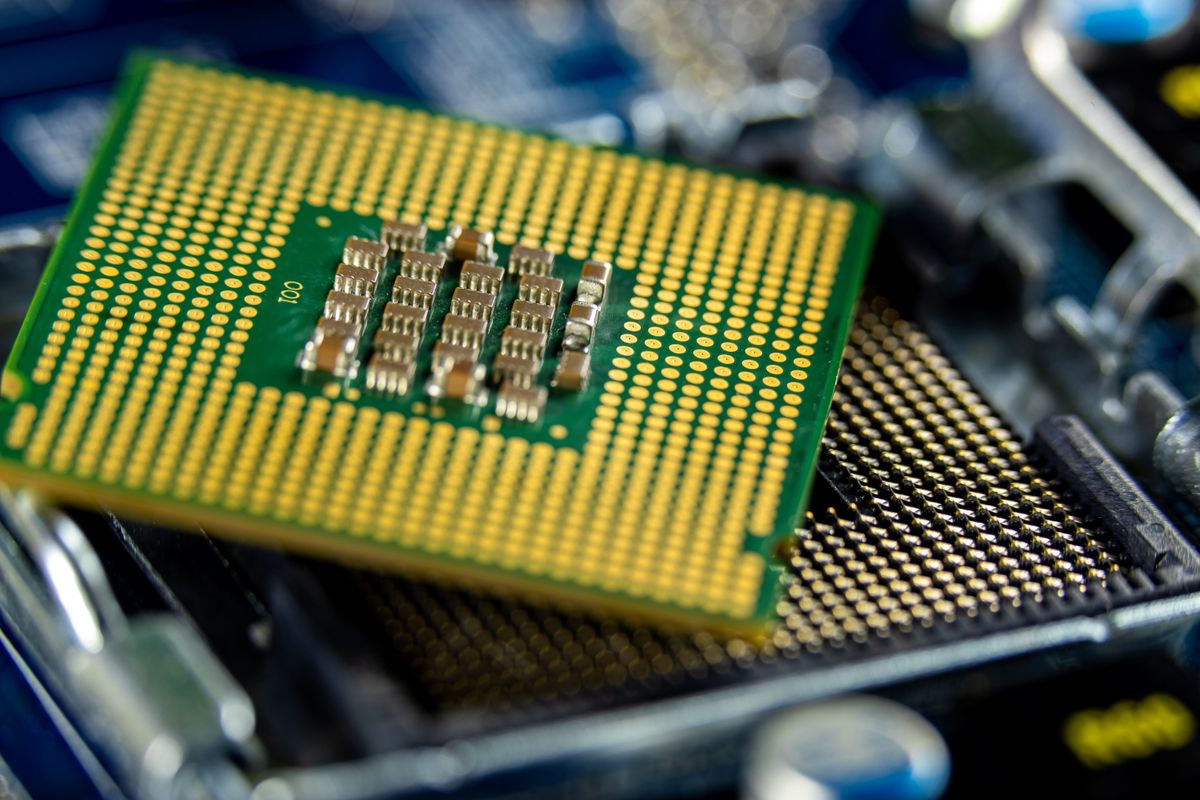
The CPU in that same box is typically specified to handle a few thousand packets per second sustained, with a burst allowance above that. Two or three orders of magnitude separate the two numbers, and that is by design: the CPU is not supposed to see data traffic at all. When it does, you have either a misconfiguration or an attack.
Note: The CPU is not a slow forwarding engine that occasionally helps out. In a well-configured switch it never sees a single frame that is not either addressed to it, generated by a protocol, or explicitly redirected for exception handling.
This is the list worth memorising, because every CPU overload you will ever diagnose starts here.
| Traffic | Typical source | Sent to CPU? | Why |
|---|---|---|---|
| STP / RSTP BPDUs | Neighbouring bridges, every 2 s per port (IEEE 802.1D hello timer) | Yes, to a reserved multicast group | The CPU owns topology; silicon cannot run spanning tree |
| LLDP frames | Neighbours, every 30 s by default per IEEE 802.1AB | Yes | Neighbour discovery is a software database |
| LACP PDUs | Aggregation partners, every 1 s or 30 s | Yes | LAG state machine runs in software |
| ARP requests and replies | Any host resolving a neighbour | Yes when addressed to the switch; flooded otherwise | The switch's own ARP cache lives in the CPU |
| DHCP and DHCPv6 | Clients and servers, when snooping is enabled | Yes, intercepted | Snooping builds a binding table that silicon cannot maintain alone |
| OSPF / BGP / VRRP | Routing peers | Yes, link-local or TTL-scoped | Routing protocols are software processes |
| 802.1X EAPOL | Supplicants at port authentication | Yes, until the session is authorised | Authentication is a software decision |
| ICMP to the device, TTL expiry, IP options | Anything with the switch as destination or as a router in the path | Yes | Exception conditions that hardware cannot resolve |
| Ordinary user frames between hosts | Endpoints | No | Forwarded entirely in silicon using the MAC table |
Two entries on that table cause most of the damage in the field.
The first is ARP and ND. A host that cannot reach its gateway retries; a looped or misconfigured segment can generate thousands of ARP requests per second, all of which are flooded and, where they target the switch, punted. The second is a broadcast or multicast storm that hits a protocol group address — spanning tree, LLDP and LACP all listen on reserved multicast addresses, so a storm that happens to overlap those groups drives the CPU rather than the fabric.
The symptom set is narrow and consistent, which makes it useful.
Forwarding keeps working. Established flows continue at line rate because their MAC and VLAN entries are already in hardware. A technician who only tests with a ping between two hosts will conclude the switch is healthy.
Management access degrades first. SSH logins time out, the HTTPS interface hangs, SNMP polls return "no response". Management access is deliberately the lowest-priority queue on the CPU.
Protocol timers slip. Spanning tree stops hearing its own BPDUs processed in time and reconverges; LACP declares a member down; OSPF adjacency drops and re-forms every few minutes. Intermittent topology changes with no physical link event are the signature.
Logs go quiet. Syslog messages are generated by the CPU. A switch that stops logging while it is overloaded is not stable; it is mute.
The counter-intuitive part: a CPU at 100% on a switch is more often a signalling problem than a throughput problem. Broadcast storms, looped access ports, a misbehaving PLC that floods ARP, or a duplicate IP creating an ARP war will all do it while the fabric is idle.
Control plane policing — CoPP — is the mechanism that puts a rate limit between the punt path and the CPU, per traffic class, so that one protocol cannot starve the others.
The design principle is to classify, then police, then trust:
Classify control traffic into a small number of classes: critical (STP, LACP, LLDP), important (routing protocols, ARP), best-effort (ICMP to the device, SNMP), and catch-all (everything else destined to the CPU).
Police each class at a rate derived from its legitimate maximum, not from a round number. STP on a 24-port switch produces 24 BPDUs every 2 s per VLAN instance — that is 12 packets per second per port on a single instance, and it scales with VLAN count.
Drop or remark the excess. Dropping is correct for floods; remarking is correct for traffic you want visible in monitoring.
The failure mode of a badly built CoPP policy is worse than no policy: set the STP class too low and a legitimate topology change gets dropped, producing a loop that the CPU then cannot fix because the BPDUs carrying the fix are the ones being policed. Always leave headroom of at least 3× the calculated legitimate rate on the critical class.
Warning: A CoPP policy that drops BPDUs silently converts a storm into a loop. Test the policy under a deliberate broadcast storm before it goes into production, not after.
Management access is the third tenant of the same CPU, and on industrial sites it is often the one that people only miss when a line is down.
On a plant floor the switch is managed by an NMS that polls SNMP every 30 to 60 seconds, writes syslog to a collector, and syncs NTP. Each of those is cheap individually. Add HTTPS sessions from three engineers during a commissioning window, a firmware upload over TFTP, and a full SNMP walk from a discovery tool, and management traffic alone can consume a meaningful share of the CPU's packet budget — on top of whatever the control plane is doing.
Two design habits keep this from becoming an outage:
Separate the management VLAN and rate-limit it at the port. Management traffic should never compete with production traffic for the same queue, and a management VLAN that spans the whole plant is a control plane exposure as much as a security one.
Cap the polling interval. SNMP walks are expensive; targeted GETs of a dozen OIDs are not. A discovery tool that walks the full MIB every five minutes on forty switches is a self-inflicted CPU problem.
Control plane security follows the same logic. Every protocol that punts to the CPU is an attack surface: STP has no authentication in its base form, LLDP is unauthenticated by design, and ARP has no binding check unless snooping or static entries are configured. On an industrial network the practical controls are port-level: disable what you do not use, enable BPDU guard on edge ports, enable DHCP snooping where DHCP is used, and put unknown unicast and broadcast under storm control before they reach the punt path.
You cannot size what you cannot measure, and CPU counters are the most under-used diagnostic on a managed switch.
| What to measure | Where to look | Healthy pattern | Red flag |
|---|---|---|---|
| CPU utilisation, 5-minute average | Device UI, SNMP OID, or syslog trend | Below 30% at steady state | Sawtooth to 90%+ every few minutes |
| Punt-path packet rate per class | CoPP statistics, if exposed | Stable, proportional to port count | One class consuming the entire budget |
| Dropped control packets | CoPP drop counters | Zero, or a slow trickle | Step change after a topology event |
| Protocol adjacency stability | Syslog, NMS flap counters | No reconvergence without a link event | Repeated adjacency up/down with no physical cause |
| Broadcast/multicast rate per port | Port counters, storm control | Under 1% of link rate | Any port saturating its storm threshold |
A useful field exercise: on a lab switch, mirror an access port, replay a broadcast storm at 10% of line rate, and watch which counter moves first. On most platforms the CPU climbs before the fabric shows any stress at all, and the CoPP drop counter tells you which class absorbed it. Repeat with the storm control threshold disabled to see what an unprotected port actually does to the CPU — that number is your justification for the configuration.
If the CPU is at 100%, why is traffic still flowing?
Because forwarding happens in the ASIC using tables that were programmed before the CPU saturated. The MAC table, VLAN table and ACL entries persist in hardware. What stops is anything requiring a decision: new MAC learning, ARP resolution, spanning tree processing, routing updates, and management access.
What is the difference between the control plane and the management plane?
The control plane builds the forwarding tables automatically through protocols such as STP, LACP, ARP and OSPF. The second is human or NMS access for configuration and monitoring — SSH, HTTPS, SNMP, syslog. Both run on the CPU, but the control plane is normally given higher priority because losing it causes outages.
Which single misconfiguration most often overloads a switch CPU?
A looped access port with storm control disabled, closely followed by an unauthenticated device flooding ARP. Both send traffic to reserved multicast groups that the CPU must process. BPDU guard on edge ports and a broadcast threshold on every access port prevent most of these incidents before they start.
Does control plane policing drop legitimate traffic?
It can, if the policer is set below the protocol's real maximum rate. STP alone generates 12 packets per second per port per instance on a 24-port switch, and that scales with VLAN count. Size each class at three times the calculated legitimate rate and verify with a deliberate storm test.
How do I choose a switch whose CPU will not fall over on a plant floor?
Ask for the punt-path rate limits, the CoPP class definitions, and the storm control granularity per port, not just the switching capacity. Rayin publishes switching capacity and port configuration for its 8+4-port gigabit industrial switches; protocol-level CPU protection must be confirmed per software version with the vendor, and that question belongs in the technical evaluation, not in the acceptance test.
About the author: Sara — Sara is a Customer Manager at Rayin with over 10 years of experience in the communications field. In her free time, she enjoys badminton and swimming.
About Rayin: Shenzhen Rayin Technology Co., Ltd. — Company Profile