MTU is the largest packet a network interface can send in one shot — 1500 bytes by default on Ethernet. A jumbo frame lifts that cap to around 9000 bytes so more data rides in each frame. It doesn't save bandwidth; it saves header overhead and CPU interrupts. Whether a monitoring network should turn it on comes down to one question: is your traffic "big chunks" or "many small ones"? Ordinary camera streams don't need it; backhaul and storage links do.
MTU is the max payload per frame (1500 by default); packets above it fragment or drop.
A jumbo frame (≈9000 bytes) cuts header sum and interrupt count on bulk transfers — but every hop must match.
Keep the access layer at 1500; enable jumbo only on storage and backbone links, and verify MTU per hop.
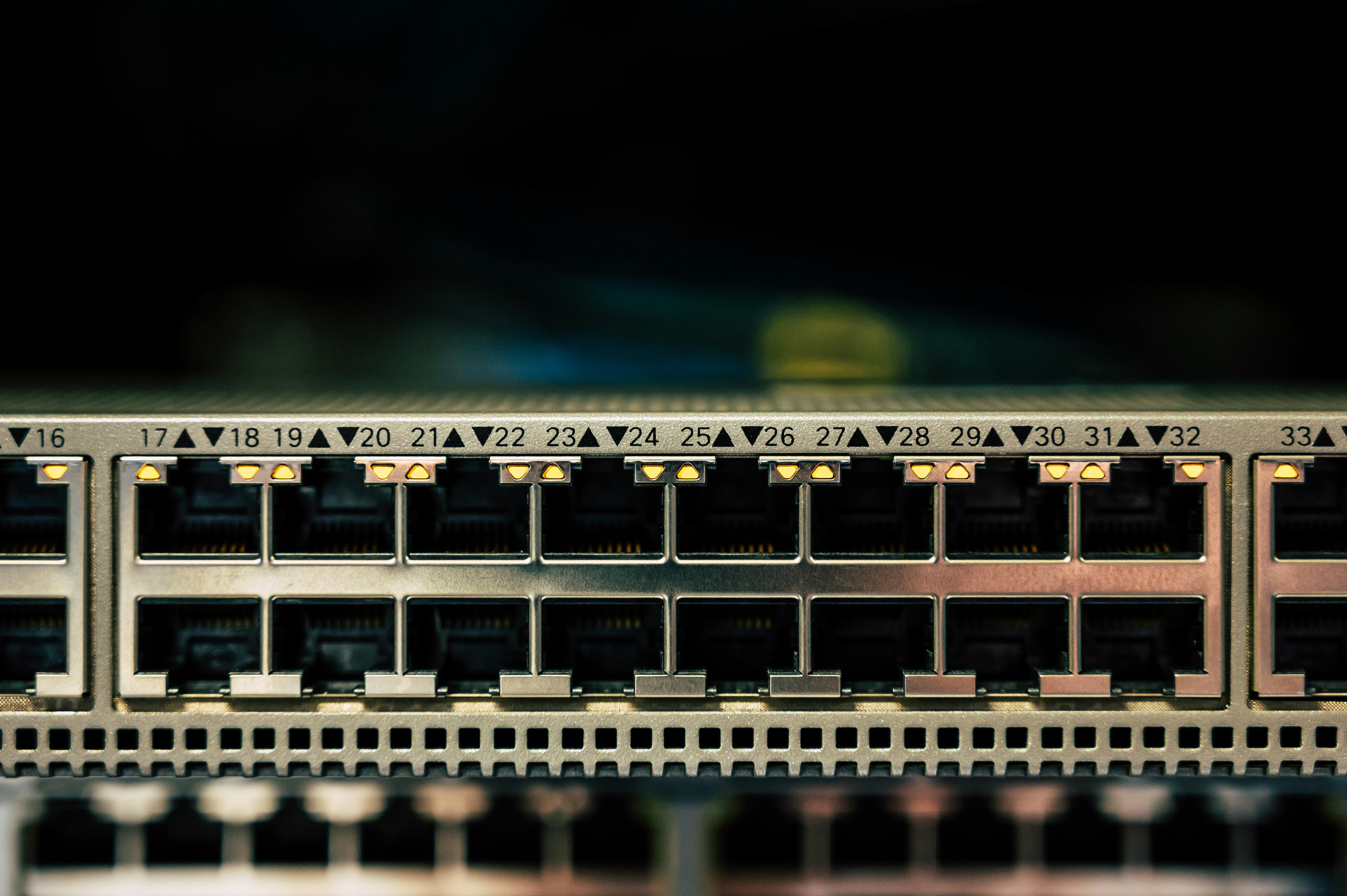
MTU (Maximum Transmission Unit) is the largest data payload the data-link layer can carry in one frame. A standard Ethernet frame carries 1500 bytes of data by default; add the 14-byte MAC header and 4-byte FCS and the whole frame is about 1518 bytes. Add a VLAN tag and it grows another 4 bytes to 1522.
A packet larger than the MTU either fragments at the network layer (if the DF bit is clear) or gets dropped (if DF is set and no path-MTU reply comes back) — the single most common cause of mysterious packet loss. That's why mismatched MTU along a path shows up as "large pings fail, small pings work."
A jumbo frame raises the MTU from 1500 to the common 9000, packing more data per frame. The payoff: to move 1 MB, 1500-byte frames split it into about 683 pieces while 9000-byte frames need only about 114; the header total drops from roughly 12 KB to about 2 KB, and the CPU's interrupt count falls with it.

Jumbo is not an IEEE-mandated standard — it's a vendor-agreed "large frame," which means one hard rule: every device on the forwarding path must support it, and the MTU value must be identical everywhere. Miss one hop or set a different number and the large frame is dropped at that device.
Plain H.264/H.265 camera streams put only a few KB in a single frame — far under 1500 — so standard frames are more than enough. Turning jumbo on at the access layer gives cameras no benefit, and because "end-to-end must match," one misconfigured switch can take the whole segment down.
The scenarios that do pay off: uncompressed or high-bitrate aggregated backhaul, bulk moves between NVR clusters, and shared monitoring-storage or backbone links. In short, traffic that is "large, continuous, and few-connection" is worth it.
| Scenario | Suggested MTU | Reason |
|---|---|---|
| Camera access (single stream a few KB) | 1500 default | Frame far below 1500; jumbo gives no benefit |
| Monitoring backbone aggregation | 1500 or 9000 | Depends on whether backhaul is bulk-aggregated and fully supported |
| NVR cluster data moves | 9000 jumbo | Large continuous transfer, clear header savings |
| iSCSI / NFS storage network | 9000 jumbo | Storage protocols are inherently bulk IO — industry standard |
The monitoring access layer stays at 1500 by default for stability; backbone aggregation or heavy backhaul can consider jumbo only if the whole link supports and unifies the setting. Rayin industrial switches require a per-port MTU check before enabling jumbo, precisely to avoid mid-path drops.
Warning: End-to-end mismatch is the classic trap. Set the server to 9000 but leave one switch at 1500 and the large frame is dropped at that switch — "big fails, small works." Set the same MTU on every hop, not just the two ends.
VLAN tagging eats 4 bytes, QinQ stacks two layers for 8, and MPLS adds another set. A 9000-byte data frame wrapped in several tags can exceed an intermediate device's MTU and still get dropped — count those tags in your budget.
Tip: Tunnels and overlays (VXLAN, GRE, IPsec) wrap another header around the original packet. An inner 1500-byte packet can become 1550 on the outside. Either the underlay supports a larger MTU, or you accept the performance hit of forced inner fragmentation.
How do I quickly verify the path MTU is enough? Use ping with -l (Windows) or -s (Linux) to set a large packet, add -f to set the DF bit, and raise the size until it fails. That failing size is your real path MTU — the packet was dropped by some device per its MTU.
Jumbo at 9000 or 9216? 9216 is what many vendors use as the "frame ceiling" after counting 9000 data plus header and tags; 1532-type values are the tagged standard-frame ceiling. The key is one agreed value on the link — don't mix.
I enabled jumbo on the access switch and the camera dropped off? Probably the camera doesn't support jumbo and still runs at 1500, while upstream jumbo config skewed VLAN handling. Keeping the access layer at 1500 for terminals is the stable choice.
Why set MTU to 1550 or above in a VXLAN network? VXLAN's encapsulation header is about 50 bytes, so an inner 1500-byte packet becomes 1550 outside. If the underlay MTU is too small, the inner packet fragments or drops and large packets fail. Underlay is usually set to 1550 or 9000.
When should I actually turn jumbo on? Treat it as a knife that trims header overhead — but only when the whole link agrees on MTU. Keep the monitoring access layer at 1500, and if you do enable it, start with the storage network and backbone backhaul, check every hop, then push to production.
Jumbo frames are worth it only where traffic is bulk and the entire path shares one MTU. Hold the access layer at 1500, and don't flip the switch just to make a parameter look good.
About the author: Sara — Sara is a Customer Manager at Rayin with over 10 years of experience in the communications field. In her free time, she enjoys badminton and swimming.
About Rayin: Shenzhen Rayin Technology Co., Ltd. — Company Profile